In professional digital design practice, inspiration is no longer the limiting factor precision is. Designers and developers today work in environments where visuals are constantly referenced from real-world sources such as websites, brand campaigns, UI mockups, and digital illustrations. While these images often showcase carefully crafted color harmony, translating them into exact, usable digital values is not straightforward.
The challenge lies in accuracy. Human perception is influenced by screen calibration, lighting conditions, and surrounding color context, which makes manual identification unreliable for production-level work.
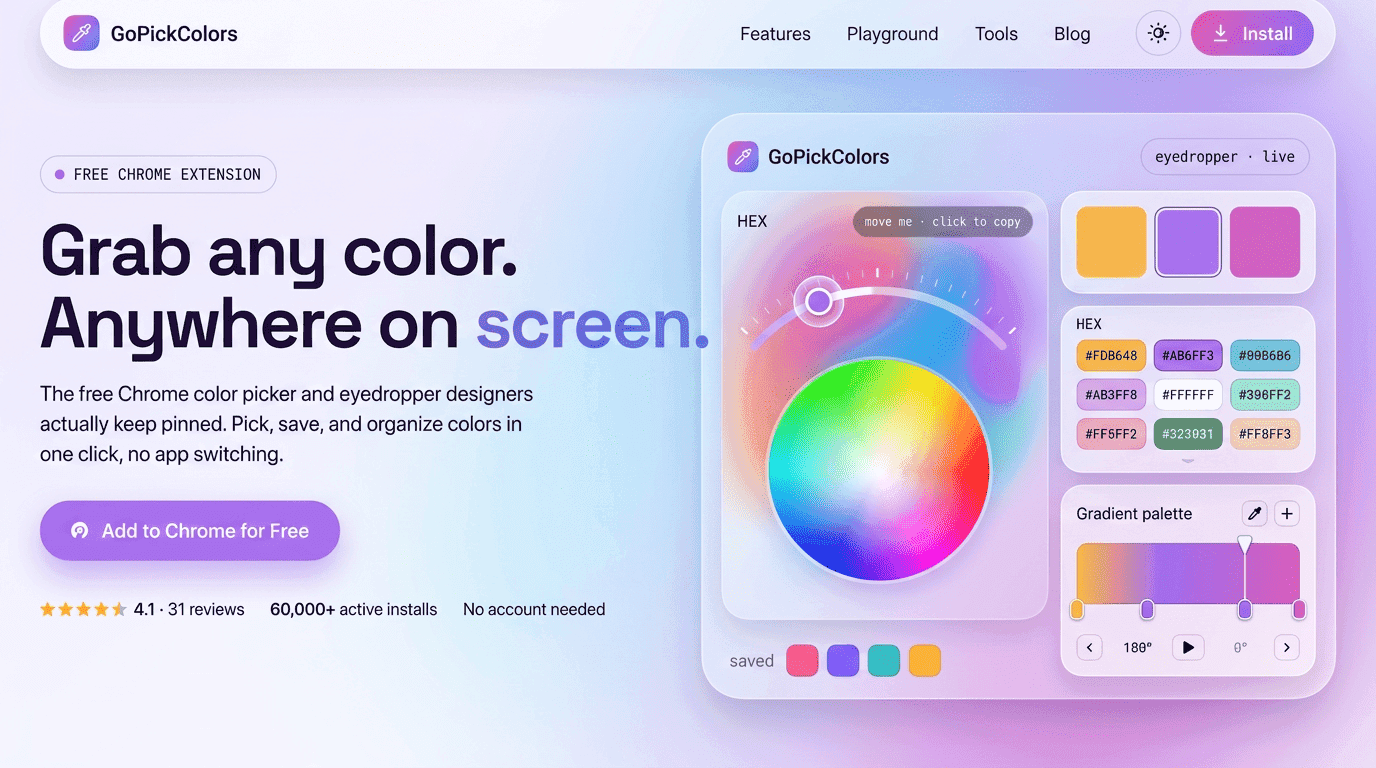
This is where the capability to Find hex code from image becomes essential in modern workflows. It enables professionals to move beyond visual estimation and directly extract precise, standardized color values from any image source. At GOPICK COLORS, the approach is built around real-world design reliability—ensuring that extracted colors are not only accurate but also consistently usable across web, mobile, and branding environments without deviation.
Why Image-Based Color Extraction Is Important Today
Modern design systems rely heavily on consistency. Whether it is a website, mobile app, advertisement, or branding material, colors must remain identical across every platform. Even a slight variation can break visual harmony and weaken brand identity.
Images are one of the biggest sources of inspiration for designers. A photograph, UI mockup, or social media post often contains color combinations that are worth reusing. However, visually matching those colors manually is unreliable.
A Find hex code from image tool solves this by converting image pixels into exact hexadecimal values. This ensures that what you see in the image is exactly what you use in your design system. It removes subjectivity and replaces it with precision.
When teams depend on visual estimation, inconsistencies are inevitable. But when they rely on extracted data, design decisions become stable and repeatable.
How Image Color Extraction Actually Works
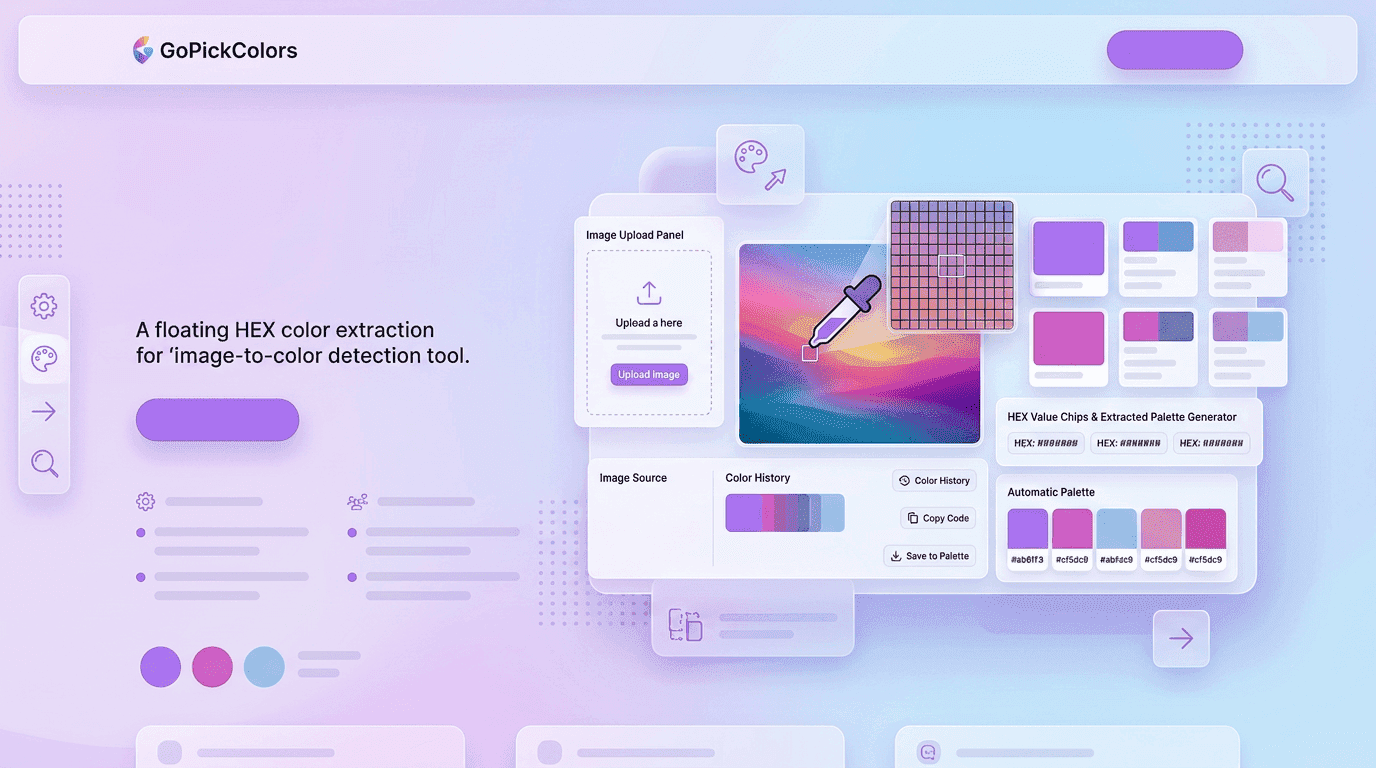
At its core, every image is made up of pixels. Each pixel contains numerical values representing red, green, and blue (RGB) intensity. When you select a point in an image using a color tool, the system reads these values directly from the pixel.
Then, the tool converts RGB values into a hexadecimal format like #FF5733. This is how a Find hex code from image tool works behind the scenes.
This conversion process ensures accuracy because it is based on mathematical values rather than human perception. Unlike the human eye, which can be influenced by lighting, contrast, and surrounding colors, digital extraction is exact and consistent.
Role of GOPICK COLORS in Simplifying Color Workflows
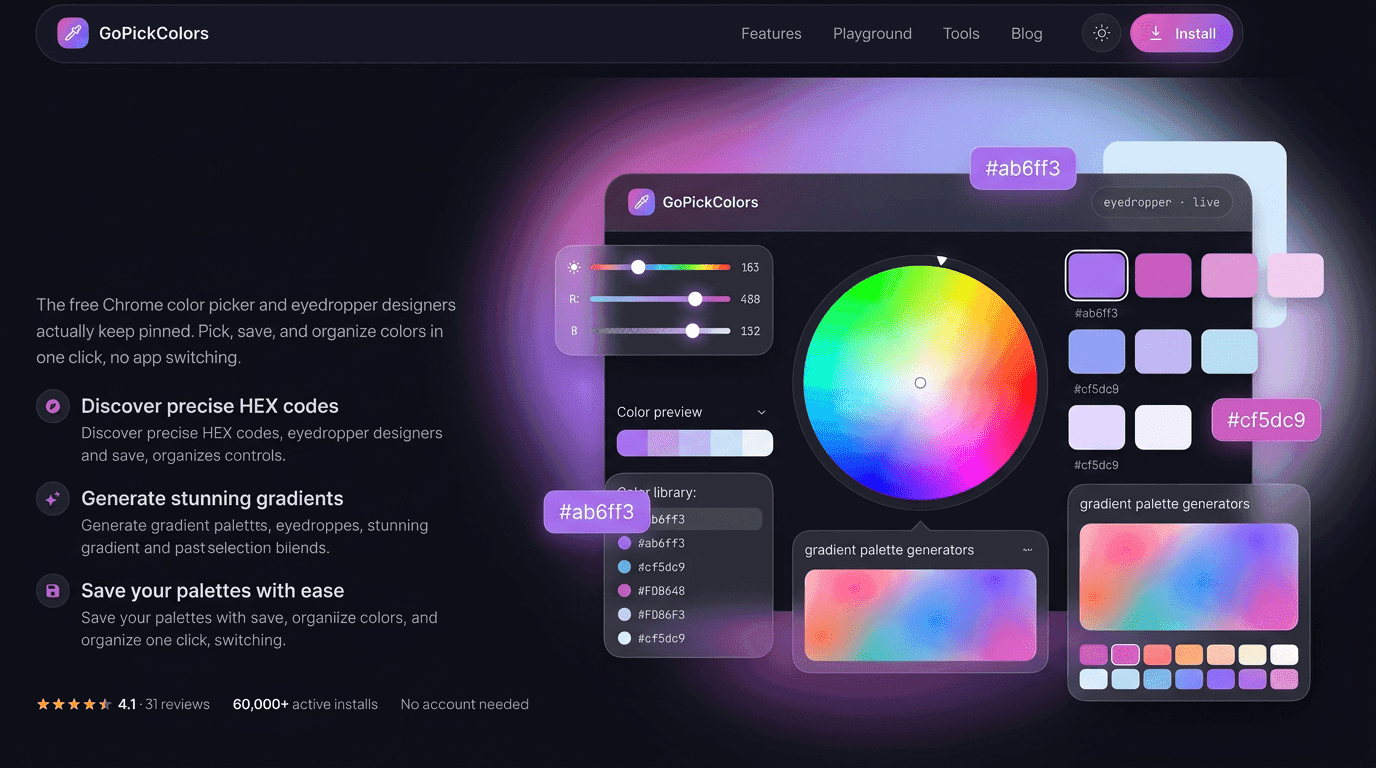
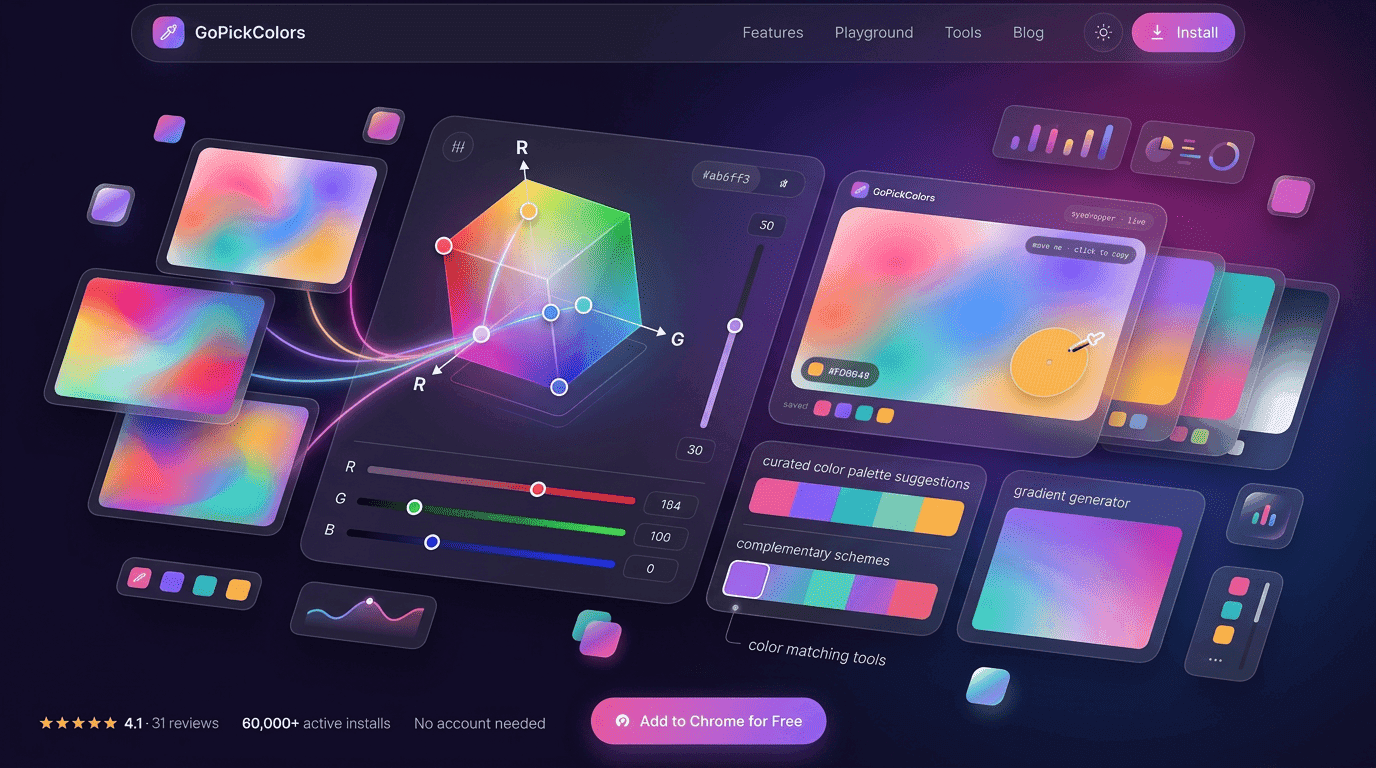
At GOPICK COLORS, the focus is on making color-related tasks easier for designers and developers. Instead of switching between multiple tools or relying on guesswork, users can quickly extract and apply colors in seconds.
A Find hex code from image workflow removes unnecessary steps in the creative process. Designers no longer need to take screenshots, open editing software, or manually adjust shades. Everything becomes direct and efficient.
This not only saves time but also ensures that creative ideas are implemented exactly as intended. The goal is to support designers in focusing more on creativity and less on technical adjustments.
Practical Uses of Image-Based Color Extraction
A Find hex code from image tool is widely used across different creative industries. Designers use it to build consistent color palettes, developers use it to implement accurate UI designs, and marketers use it to maintain brand identity across campaigns.
In UI/UX design, it helps ensure that every element of an interface follows a unified color system. In branding, it ensures that logos, advertisements, and social media visuals remain consistent.
It is also useful when analyzing competitor designs or studying modern design trends. Instead of guessing why a design looks visually appealing, professionals can directly extract and study its color structure.
Benefits of Using a Find Hex Code from Image Tool
- Improves accuracy by providing exact digital color values
- Eliminates manual guesswork and visual estimation errors
- Helps maintain consistent branding across all platforms
- Speeds up workflow by reducing design adjustments
- Enhances collaboration between designers and developers
- Supports better decision-making in UI/UX design
- A Find hex code from image tool ensures that every extracted color is reusable and consistent
- It reduces time spent on revisions during design approvals
- It helps teams maintain visual harmony across all digital assets
- It improves productivity by simplifying color selection processes
These benefits make it a must-have tool for anyone working in modern digital design.
Why Consistency Matters in Design Systems
Consistency is the foundation of professional design. When users interact with a brand, they expect colors to remain the same across different platforms and experiences. If colors change unexpectedly, it creates confusion and reduces trust.
A Find hex code from image tool ensures that every color used in a project comes from a verified source. This removes variation and ensures that all design elements follow a unified system.
For example, if a brand uses a specific shade of blue in its logo, that same blue must appear consistently across its website, mobile app, and marketing materials. Even minor deviations can affect brand recognition.
By using exact color extraction, teams can avoid these issues and maintain a strong visual identity.
How Designers Use Image-Based Color Extraction in Workflow
Designers typically start with inspiration. This may come from nature, photography, UI references, or competitor websites. Once they find a visually appealing image, the next step is to extract usable colors.
Using a Find hex code from image tool, designers can click on any part of the image and instantly retrieve its exact color value. These values are then stored in design systems or style guides.
Over time, these extracted colors form a structured palette that can be reused in future projects. This creates efficiency and consistency across multiple design tasks.
Instead of starting from scratch every time, designers build upon a growing library of proven color choices.
Real Impact on Branding and Identity
- Brand identity depends heavily on consistent color usage
- Inconsistent colors reduce recognition and weaken brand trust
- A Find hex code from image tool ensures exact color replication across platforms
- It helps maintain uniformity in logos, websites, and marketing content
- It strengthens visual communication and audience recall
- It supports long-term brand consistency across campaigns
- It ensures professional presentation across all digital channels
Future of Image-Based Color Tools
The future of tools that help you Find hex code from image is becoming more intelligent and automated. Instead of only extracting colors, future systems may analyze images and suggest optimized palettes based on accessibility, contrast, and user engagement.
Artificial intelligence may also recommend color combinations that improve readability and emotional impact. This will make design decisions even more strategic and data-driven.
However, the core purpose will remain the same—turning visual inspiration into precise, usable digital color values.
Conclusion
Color is one of the most powerful elements in digital design, and accuracy in color selection defines the quality of the final output. The ability to Find hex code from image removes uncertainty and transforms inspiration into structured, usable data.
With GOPICK COLORS, this process becomes faster, simpler, and more reliable. Designers and developers can focus on creativity while ensuring that every color remains consistent, accurate, and ready for real-world application.
In a world where visual precision matters more than ever, tools like these are not just helpful—they are essential for building strong, consistent, and professional digital experiences.