Color is one of the most powerful elements in digital design, yet it is also one of the most misunderstood. Designers often spend hours trying to match a single shade across screens, devices, and tools. In modern workflows, precision is not optional—it is essential. This is where the Hex code finder becomes a critical part of professional design systems.
At GOPICK COLORS, we focus on simplifying how designers and developers interact with digital color. The goal is not just to identify colors, but to ensure consistency, accuracy, and creative freedom across every project. A Hex code finder is the bridge between visual inspiration and technical implementation, making it possible to translate real-world visuals into exact digital values without distortion.
Why Color Precision Defines Professional Digital Work
In digital ecosystems, color is more than aesthetics—it is structure, communication, and user experience combined. A small variation in tone can completely change how users perceive a brand or interface. This is why professionals rely heavily on a Hex code finder instead of manual selection or approximation.
When designers guess colors, inconsistencies naturally appear. A button might look slightly different on mobile compared to desktop. A banner shade may not align with branding guidelines. These small errors accumulate and weaken the overall identity of a product. A Hex code finder eliminates this uncertainty by delivering exact values instead of subjective approximations.
In real-world workflows, this precision becomes the foundation for trust. Whether you are designing a SaaS dashboard or a marketing website, a Hex code finder ensures that every visual element remains aligned with the original design intent.
The Technical Logic Behind Color Identification Systems
To understand why a Hex code finder is so effective, it is important to understand how digital colors are structured. Every color on a screen is built using RGB (Red, Green, Blue) values. These values are combined and converted into hexadecimal format, which is a standardized system used across web technologies.
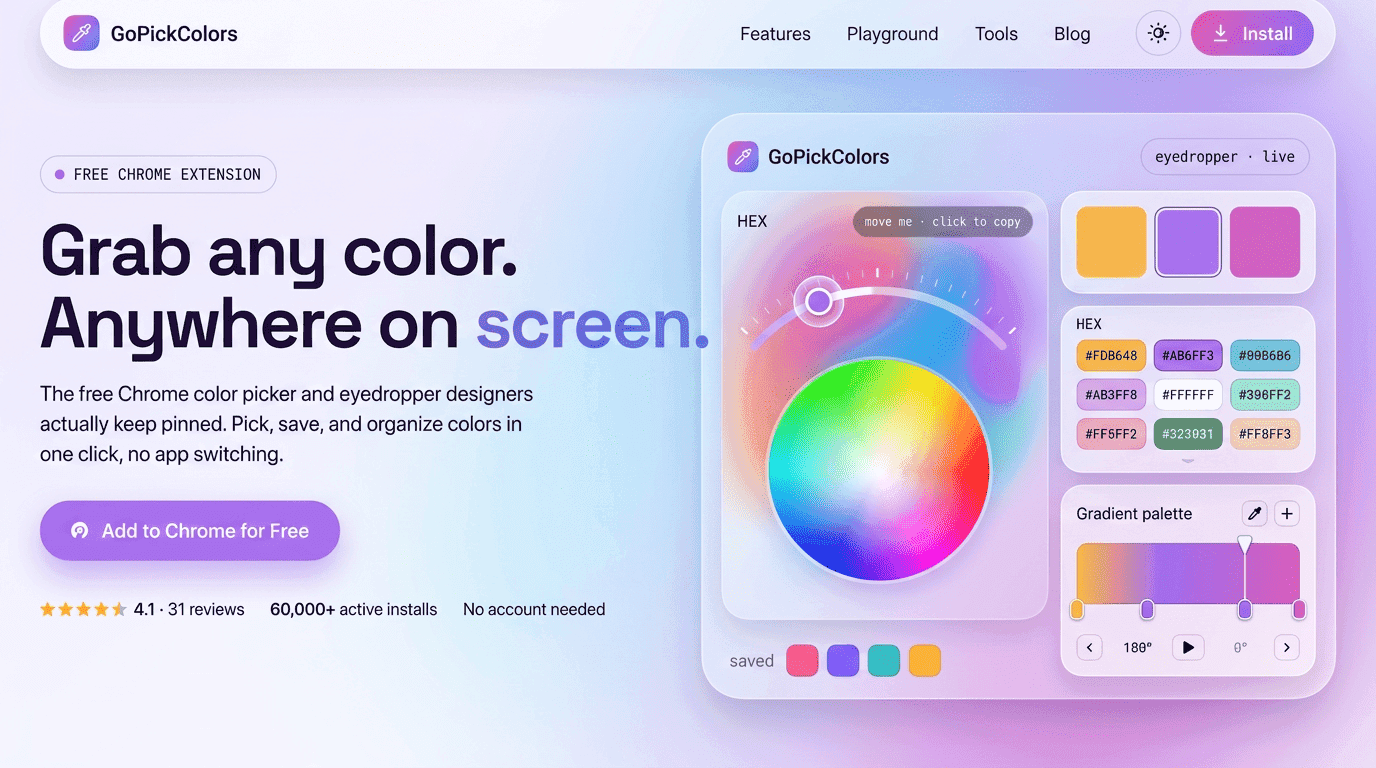
A Hex code finder captures pixel-level data from an image or screen and converts it into a precise hex value like #4A90E2. This eliminates guesswork and ensures repeatability.
For example, two shades of blue may look identical to the human eye, but their underlying RGB values may differ significantly. Without a Hex code finder, reproducing the exact same shade across platforms becomes unreliable. With it, designers gain a scientific approach to color accuracy.
GOPICK COLORS builds on this principle by focusing on precision-driven design tools that remove ambiguity from creative workflows.
How a Hex Code Finder Improves Design Consistency
Consistency is the backbone of professional design systems. Without it, even the most visually appealing interfaces begin to feel fragmented. A Hex code finder ensures that every color used across a project originates from the same source of truth.
In large-scale design systems, teams often work across multiple tools—Figma, Photoshop, VS Code, and browser environments. A Hex code finder ensures that colors remain identical across all these platforms.
This is especially important for brand identity systems where consistency affects recognition. If a brand blue shifts slightly across platforms, it weakens the visual memory users associate with it. A Hex code finder prevents this drift by locking in exact values.
With GOPICK COLORS, designers can maintain structured color systems that scale effortlessly across projects, reducing errors and improving collaboration between teams.
Common Color Conversion Outputs in Hex Code Finder Tools
Different projects require different color formats. A Hex code finder simplifies this by converting colors into multiple usable formats. Below is a structured view of common outputs and their usage:
| Color Format | Example Value | Primary Use Case | Why It Matters |
|---|---|---|---|
| Hex Code | #3B82F6 | Web design, UI styling | Standard format used in CSS and digital interfaces |
| RGB | rgb(59, 130, 246) | Screen-based applications | Useful for dynamic color manipulation in code |
| HSL | hsl(217, 91%, 60%) | Thematic design systems | Easier for adjusting brightness and saturation |
| CMYK | 76, 47, 0, 4 | Print design | Ensures accurate printing output consistency |
This conversion system ensures that a Hex code finder is not limited to web design alone but extends into print, branding, and motion design workflows. By supporting multiple formats, it becomes a universal color translation tool for professionals.
Workflow: How Designers Actually Use Hex Tools
Professional designers do not use color tools randomly they follow structured workflows. A typical process begins with visual exploration. Designers gather inspiration from photography, nature, UI references, or competitor analysis.
Once a visual reference is selected, the Hex code finder is used to extract exact color values. These values are then organized into palettes, style guides, or design tokens depending on the project structure.
This workflow transforms abstract inspiration into usable design systems. Instead of manually approximating colors, designers rely on a Hex code finder to ensure accuracy at every stage.
Over time, these extracted values become part of a reusable design library, making future projects faster and more consistent.
Extracting Colors from Real-World Visuals
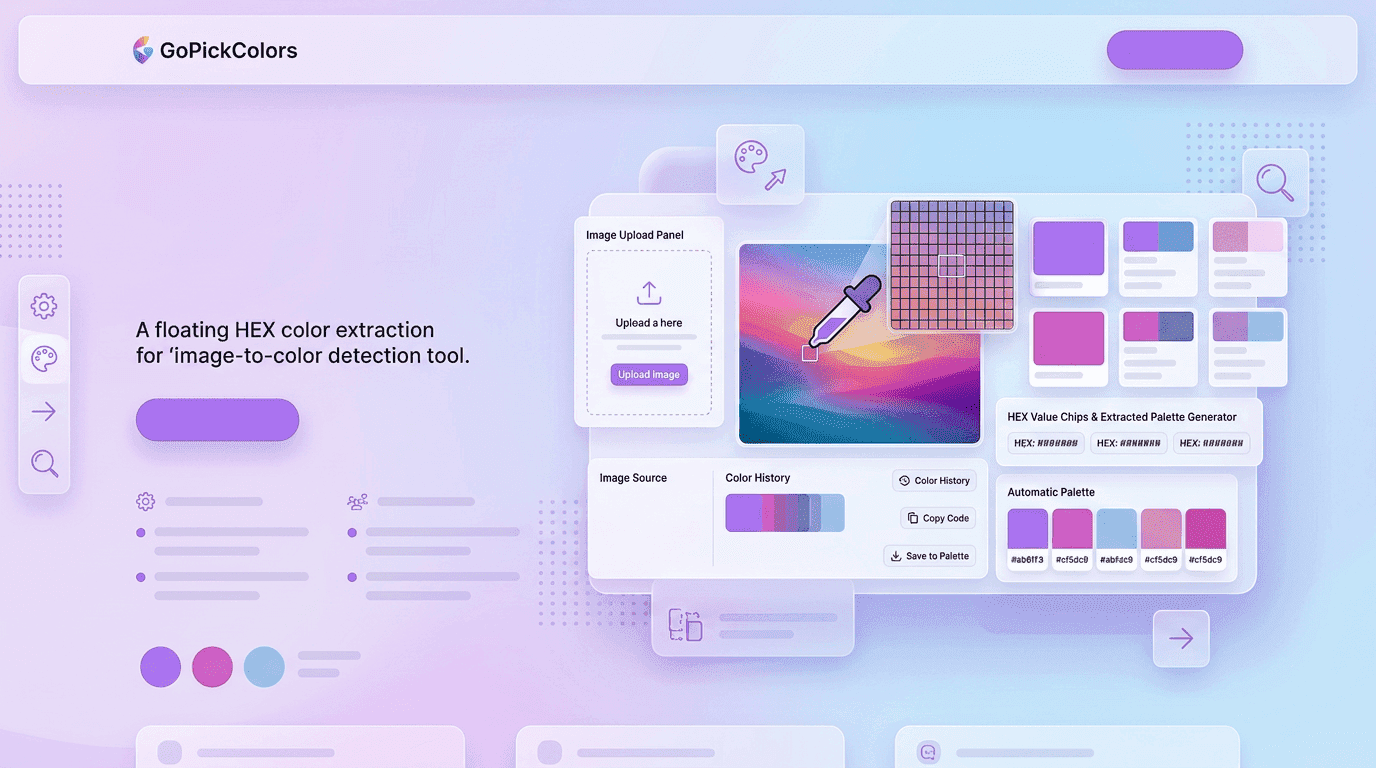
One of the most powerful capabilities in modern design is the ability to work directly from real-world inspiration. When designers use tools to Find hex code from image, they are essentially translating photography into structured digital data.
This process is especially useful in branding and marketing design. For example, a sunset photograph may contain complex gradients that are difficult to recreate manually. By using a Hex code finder, designers can extract exact tones from the image and apply them directly to web elements.
This removes interpretation errors and ensures that emotional tones from real-world visuals are preserved in digital environments.
A Hex code finder plays a critical role here by maintaining accuracy across every extracted shade.
Practical Benefits of Using Hex Code Finder in Real Projects
When applied in real-world workflows, a Hex code finder significantly improves productivity and design quality. It is not just a tool for identifying colors—it is a system that supports decision-making throughout the creative process.
Faster design iterations: Designers can instantly extract and apply colors instead of spending time adjusting shades manually.
Improved cross-team collaboration: Developers and designers work with the same exact color values, reducing miscommunication.
Higher brand consistency: Every visual asset follows the same verified color system, strengthening brand recognition.
Reduced revision cycles: Clients receive more accurate design outputs, reducing feedback loops and approval delays.
Better accessibility compliance: A Hex code finder helps maintain contrast standards for readability and inclusivity.
These advantages make it an essential tool in modern UI/UX and branding workflows.
The Role of Hex Tools in Branding Systems
Brand identity depends heavily on color consistency. From logos to packaging to social media posts, every visual element must follow the same color logic. A Hex code finder ensures that this consistency is maintained without deviation.
Brands often define primary and secondary color systems, but implementing them across multiple teams and tools can lead to inconsistency. A Hex code finder acts as a reference point that keeps everyone aligned.
With GOPICK COLORS, businesses can establish centralized color systems that ensure every designer and developer works with the same verified values. This reduces confusion and strengthens long-term brand recognition.
Development Workflow and Color Implementation
In development environments, precision becomes even more important. CSS, HTML, and frontend frameworks rely on exact hex values to render UI components correctly. A Hex color code finder helps developers translate design files into accurate code.
Instead of manually interpreting design files, developers can directly copy values generated by a Hex code finder, reducing errors and speeding up implementation.
This improves collaboration between designers and developers, as both teams now operate using a shared visual language. The result is faster deployment cycles and fewer revisions.
Solving Real Design Problems with Hex Accuracy
Many design inconsistencies come from small but impactful mistakes. Colors may shift due to screen calibration differences, manual selection errors, or inconsistent documentation.
A Hex code finder solves these issues by providing a fixed digital reference that does not change across environments.
Another common issue is palette drift, where colors gradually deviate over time as teams make small adjustments. A Hex code finder prevents this by anchoring all design decisions to exact values.
This ensures long-term stability in visual systems, especially for large products with multiple contributors.
Real-World Scenario: Building a Complete UI System
Imagine a designer building a travel booking platform. The inspiration comes from ocean photography, featuring deep blues, soft whites, and warm sunset gradients.
Instead of guessing tones, the designer uses a Hex code finder to extract exact values from reference images. These colors are then applied across the interface, from navigation bars to call-to-action buttons.
The final result feels cohesive and emotionally aligned with the original inspiration. Every shade is intentional, every element is consistent, and the entire system feels unified.
Without a Hex code finder, achieving this level of precision would require multiple iterations and manual adjustments.
Advanced Features That Improve Hex Code Finder Accuracy
Modern design tools are no longer limited to simple color picking. A Hex code finder today includes advanced capabilities that improve accuracy, usability, and workflow speed. These features are especially useful when working on large-scale design systems where consistency is critical.
Pixel-level precision scanning: A Hex code finder can zoom into individual pixels to capture exact color values without distortion, even in complex gradients or compressed images.
Real-time color preview: Designers can instantly see how a selected color behaves in different UI contexts before applying it permanently.
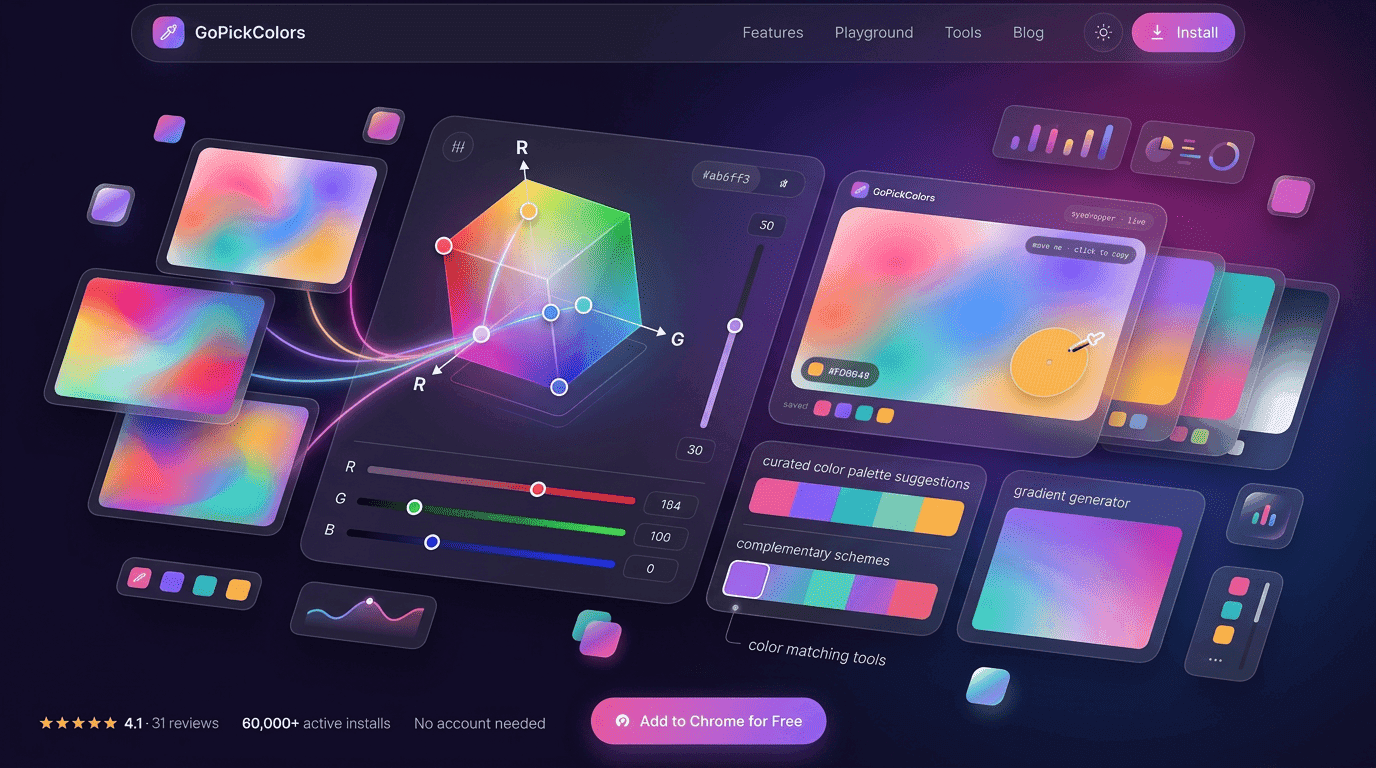
Multi-format conversion support: Many tools convert hex values into RGB, HSL, and CMYK formats, making integration easier across design and print workflows.
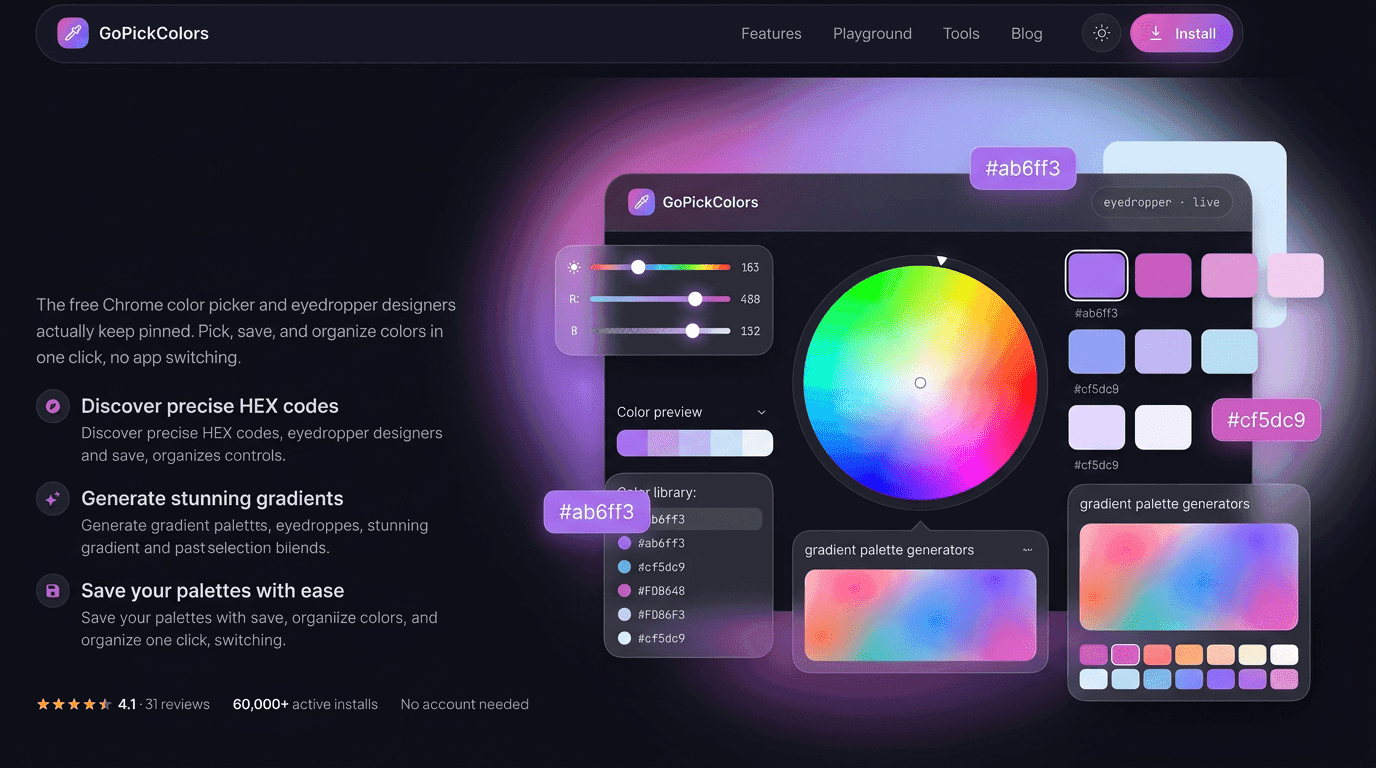
Palette saving systems: A Hex code finder allows users to store extracted colors into reusable palettes for future projects, improving efficiency and consistency.
These features reduce manual effort and ensure that every color decision is backed by precision rather than estimation.
Conclusion: Precision is the Foundation of Modern Design
In today’s digital landscape, accuracy defines professionalism. A Hex code finder is not just a utility—it is a core component of modern design systems that ensures consistency, clarity, and trust.
From branding to development, from inspiration to execution, every stage of the creative process benefits from precise color identification. With tools and systems built by GOPICK COLORS, designers gain control over one of the most important aspects of visual communication.
Ultimately, mastering a Hex code finder is about more than identifying colors. It is about building reliable, scalable, and visually consistent digital experiences that stand the test of time.
Frequently Asked Questions
1. What is a Hex code finder used for?
A Hex code finder is used to identify exact color values from digital screens, images, or design files. It helps designers and developers capture precise hex color codes so they can maintain consistency across websites, apps, and branding materials without manual guessing.
2. How does a Hex code finder help in web design?
A Hex code finder improves web design accuracy by ensuring every color used in a project matches the intended design. It eliminates color mismatch issues between design tools and code, helping developers implement exact shades for backgrounds, buttons, text, and UI elements.
3. Can I extract colors from images using a Hex code finder?
Yes, a Hex code finder allows you to extract colors directly from images. This makes it easy to Find hex code from image sources and reuse those exact colors in design projects, ensuring visual consistency and accurate reproduction of real-world inspiration.