Selecting the perfect color may seem like a small detail, but in digital design, development, branding, and marketing, color can influence how people perceive a product, interact with a website, and remember a brand. Whether you are building a landing page, designing social media graphics, creating a user interface, or maintaining brand consistency, choosing the wrong shade can lead to confusion, inconsistency, and lost credibility.
This is where an RGB Color Picker becomes an essential tool. Instead of relying on visual estimation or manually recreating colors, users can identify, capture, and reuse precise RGB values from any element on their screen. For professionals who work with colors daily, accuracy is not a luxury—it is a necessity.
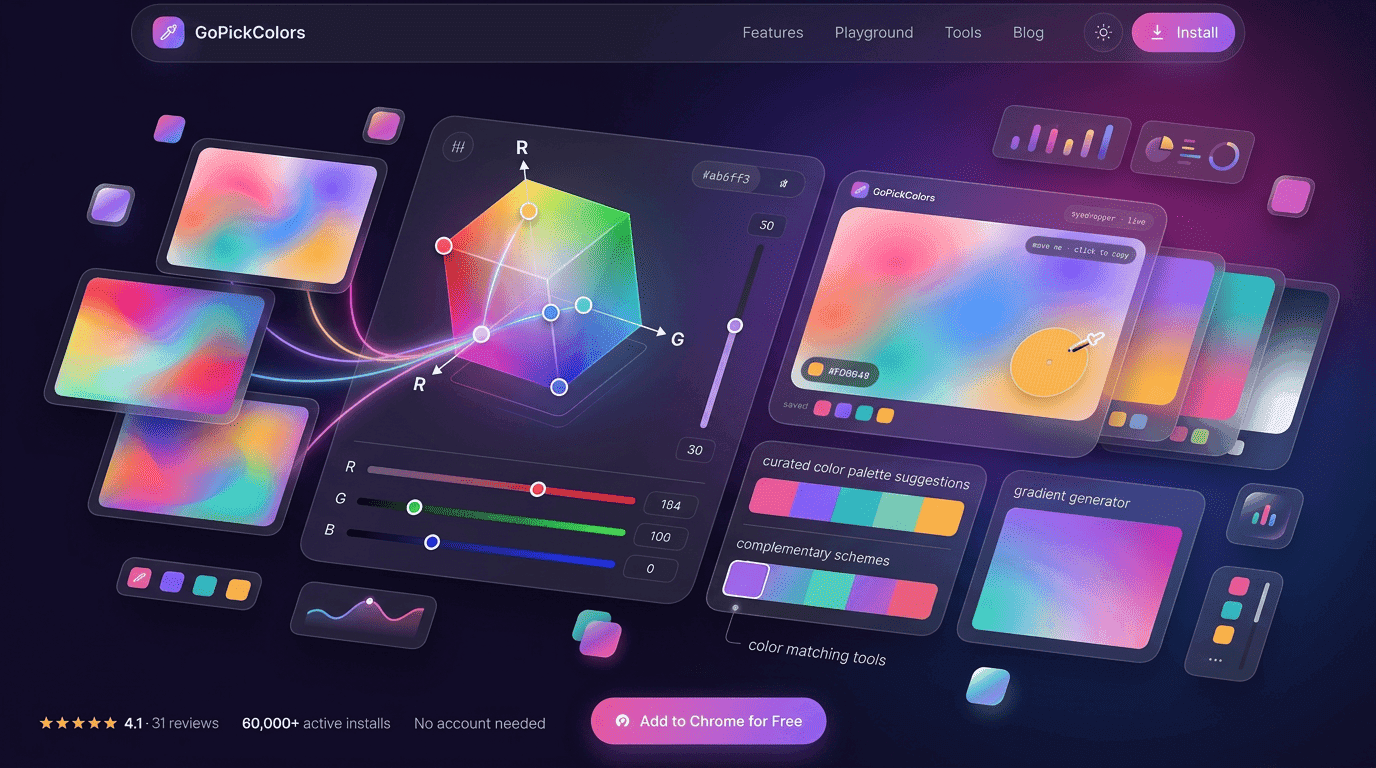
At GoPick Colors, we understand how important color precision is in modern digital workflows. That’s why tools that simplify color selection while maintaining accuracy are becoming increasingly valuable. In this guide, we’ll explore why RGB color selection matters, how it improves productivity, and how professionals use it to create consistent and visually appealing digital experiences.
The Hidden Cost of Choosing the Wrong Color
Colors influence emotions, actions, and perceptions. A slight variation in a button color can affect click-through rates. A mismatch in brand colors across platforms can reduce trust. Even minor inconsistencies can create a fragmented user experience.
Imagine a company using one shade of blue on its website and a slightly different blue in its marketing materials. Most users may not consciously notice the difference, but the inconsistency affects how polished and professional the brand appears.
The cost of inaccurate color selection often appears in unexpected ways:
- Inconsistent branding across channels
- Reduced visual harmony in designs
- Additional time spent correcting mistakes
- Confusion among team members
- Poor user experience and accessibility issues
Many professionals spend hours attempting to manually recreate colors. Without the right tools, matching shades becomes a frustrating trial-and-error process. Precision color selection eliminates this challenge and ensures every visual asset aligns perfectly with the intended design.
How an RGB Color Picker Delivers Pixel-Level Accuracy
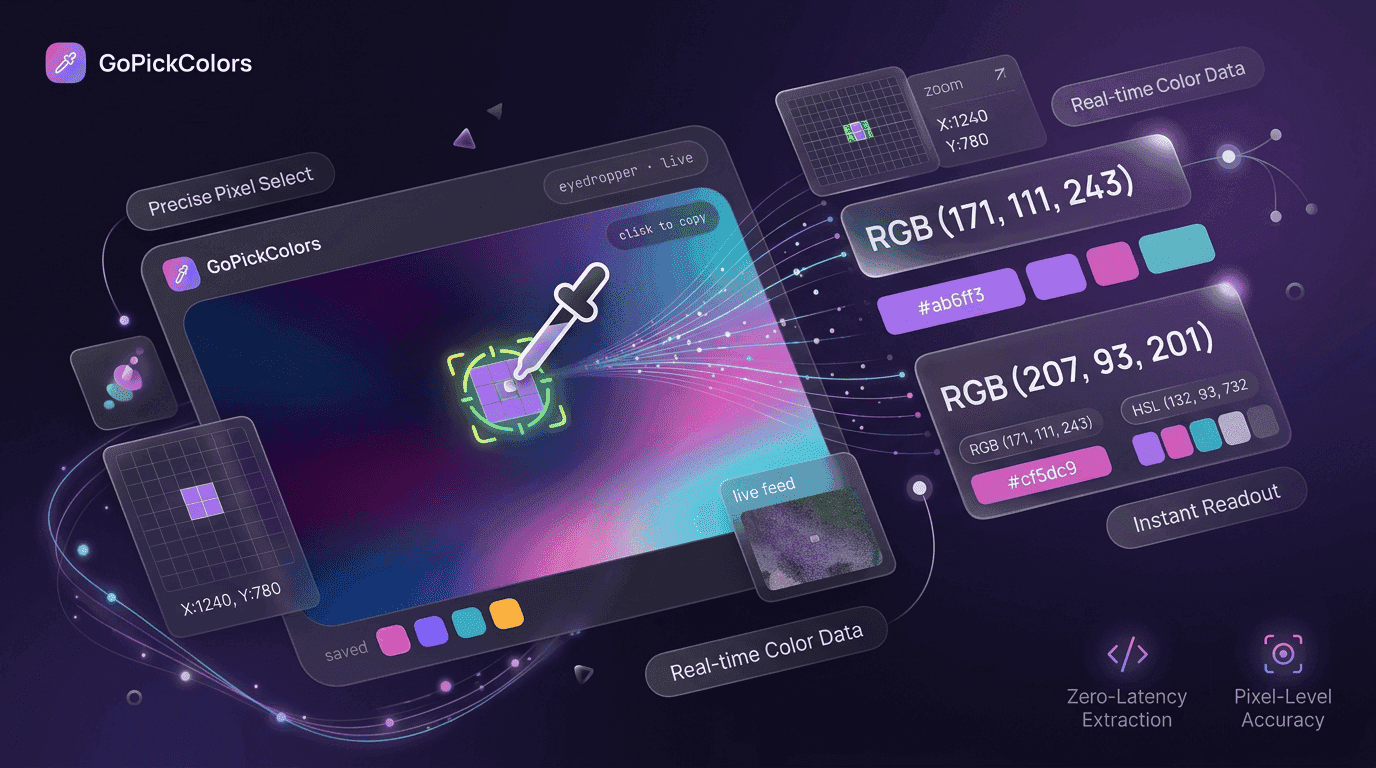
Modern design requires exact values rather than approximations. An RGB Color Picker helps users identify the precise Red, Green, and Blue values that make up any digital color.
Instead of guessing whether a color is close enough, users can instantly retrieve exact numerical values. This accuracy is especially important when working on websites, applications, advertisements, and brand materials.
Pixel-level accuracy provides several advantages:
- Consistent visual identity
- Faster design workflows
- Easier collaboration among teams
- Better compatibility across digital platforms
- Reduced rework and corrections
When designers and developers share exact RGB values, there is no ambiguity. Everyone works with the same color specifications, ensuring consistency from concept to final implementation.
From Inspiration to RGB Code in One Click
Creative inspiration can come from anywhere. A website, advertisement, mobile app, photograph, or product package may contain a color that perfectly fits your project.
With modern color-picking tools, the process becomes remarkably simple. Instead of manually approximating colors, users can identify exact values directly from their screen.
A typical workflow looks like this:
- Find a color that inspires you.
- Hover over the desired element.
- Capture the color instantly.
- Copy the RGB value.
- Apply it to your design project.
This streamlined process transforms inspiration into action within seconds, helping creatives maintain momentum and focus on design rather than technical hurdles.
Where Professionals Use RGB Colors Every Day
RGB colors are deeply integrated into digital environments. Nearly every professional involved in creating digital experiences relies on RGB values in some capacity.
Designers use RGB colors when creating visual assets, user interfaces, and branding materials. Developers use them when styling websites and applications. Marketers use them when maintaining consistency across campaigns.
Some common use cases include:
| Professional Role | How RGB Colors Are Used |
|---|---|
| Web Designers | Creating layouts, interfaces, and visual elements |
| Developers | Styling websites and applications |
| Digital Marketers | Maintaining campaign consistency |
| UI/UX Specialists | Improving usability and visual hierarchy |
| Content Creators | Producing branded graphics and visuals |
| Brand Managers | Enforcing brand color guidelines |
Because digital screens display colors using RGB values, having accurate color information is essential for maintaining quality across projects.
Design Faster Without Opening Complex Software
Many professionals only need a color value, yet they often open heavy design software just to identify or copy a color.
Modern workflows prioritize speed and efficiency. Instead of launching multiple applications, users can retrieve color information directly from their browser environment.
An RGB Color Picker eliminates unnecessary steps and allows users to remain focused on their work. This is especially useful when:
- Reviewing websites
- Conducting competitor analysis
- Building prototypes
- Creating marketing materials
- Collaborating remotely
Reducing workflow interruptions helps professionals stay productive while maintaining design accuracy.
Features That Separate Great Color Pickers From Basic Tools
Not all color-picking tools provide the same level of functionality. Some offer only basic selection capabilities, while others are designed to support professional workflows.
The most effective solutions provide features that extend beyond simple color detection.
Key features professionals often look for include:
- Instant color capture
- RGB, HEX, and HSL support
- One-click copying
- Color history tracking
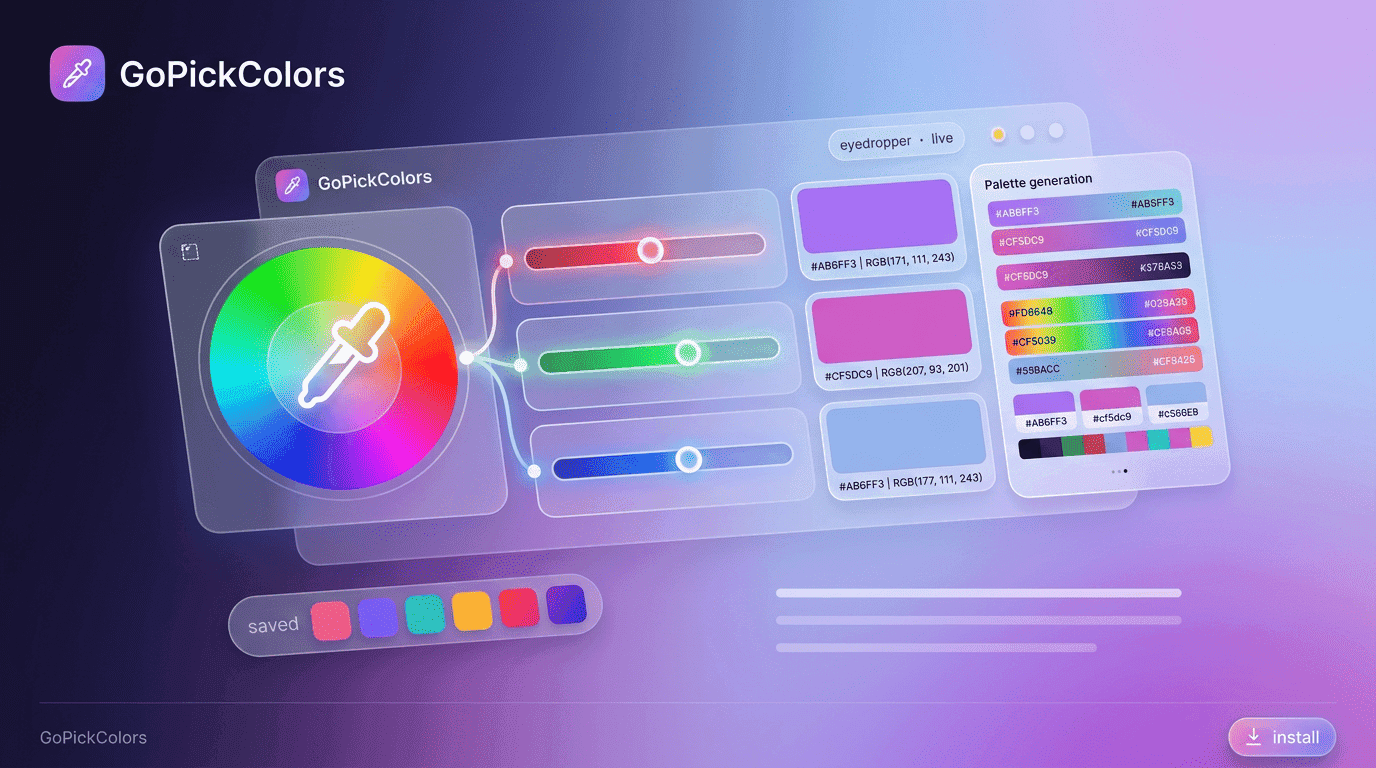
- Palette generation
- Website color extraction
- Accessibility-friendly workflows
- Fast browser integration
A high-quality RGB Color Picker should save time rather than add complexity. The best tools combine accuracy, speed, and convenience into a seamless experience.
Turn Any Screen Element Into a Reusable Color Palette
Color palettes play a critical role in maintaining visual consistency. Rather than selecting colors individually for each project, professionals often build reusable collections that support brand identity and design systems.
When users capture multiple colors from a screen, they can transform those selections into a structured palette that can be reused across future projects.
This approach offers several benefits:
- Consistent branding
- Faster project execution
- Better visual harmony
- Simplified team collaboration
- Reduced design decision fatigue
By building color libraries from successful designs, teams create reliable resources that improve efficiency and consistency over time.
RGB, HEX, HSL and CMYK: Picking the Right Format for the Job
Color formats serve different purposes. Understanding when to use each format helps professionals avoid confusion and achieve better results.
| Format | Best Used For | Example |
|---|---|---|
| RGB | Digital screens and web interfaces | RGB(255, 0, 0) |
| HEX | Website styling and CSS | #FF0000 |
| HSL | Creative color adjustments | HSL(0, 100%, 50%) |
| CMYK | Print materials | C0 M100 Y100 K0 |
An RGB Color Picker is particularly valuable because RGB serves as the foundation for most digital color systems. Once RGB values are captured, they can often be converted into other formats as needed.
Why Browser Extensions Beat Traditional Color Selection Methods
Traditional methods often involve screenshots, image editors, and manual approximations. While these techniques can work, they consume valuable time and introduce opportunities for error.
Browser extensions streamline the process by bringing color selection directly into the browsing experience.
Compared to traditional workflows, browser-based tools offer:
- Faster access
- Fewer clicks
- Immediate results
- Improved accuracy
- Greater convenience
- Better productivity
For professionals who spend hours working online, eliminating repetitive tasks creates substantial efficiency gains.
A dedicated browser solution can often retrieve color information in seconds, allowing users to focus on higher-value work.
A Simple Workflow for Capturing, Saving and Reusing Colors
Successful color management involves more than identifying colors. It also requires organization and reuse.
Below is a practical workflow used by many professionals:
| Stage | Action |
|---|---|
| Discover | Find a color from a website or design |
| Capture | Select and copy the RGB value |
| Organize | Save colors into categories |
| Reuse | Apply saved colors in projects |
| Standardize | Share palettes with team members |
This structured process reduces duplication, improves collaboration, and ensures consistency across multiple projects.
Whether working independently or within a large organization, organized color management creates long-term efficiency benefits.
Common Color Selection Mistakes That Hurt Design Consistency
Even experienced professionals occasionally make color-related mistakes. These errors often seem minor initially but can create larger issues as projects scale.
Common mistakes include:
- Using similar but inconsistent shades
- Ignoring accessibility requirements
- Mixing color formats incorrectly
- Failing to document brand colors
- Recreating colors manually
- Maintaining multiple unofficial palettes
An RGB color code picker helps eliminate many of these issues by providing precise values that can be copied and reused consistently.
When teams rely on exact color references rather than visual estimation, the risk of inconsistency decreases significantly.
How Teams Maintain Brand Colors Across Projects
As organizations grow, maintaining visual consistency becomes increasingly challenging. Multiple designers, developers, marketers, and content creators may contribute to the same brand ecosystem.
Successful teams typically follow a structured approach:
- Define official color guidelines.
- Document RGB values.
- Create approved color palettes.
- Share standards across departments.
- Review assets regularly.
- Use reliable color-selection tools.
Many organizations also use an RGB color selector to ensure everyone references identical color values throughout the design process.
Consistency builds recognition. Recognition builds trust. Trust ultimately strengthens brand value.
At GoPick Colors, we believe that accurate color management should be simple, accessible, and efficient. By making precise color selection easier, professionals can spend less time correcting inconsistencies and more time creating impactful digital experiences.
Conclusion
Color accuracy influences every aspect of digital design, from branding and user experience to development and marketing performance. Small variations may seem insignificant, but over time they can affect consistency, professionalism, and user perception.
A reliable RGB Color Picker removes uncertainty from the process by providing exact color values that can be captured, copied, and reused instantly. Whether you’re designing a website, building an application, creating marketing assets, or maintaining brand standards, precise color selection helps ensure every visual element works together cohesively.
GoPick Colors empowers professionals to work faster, maintain consistency, and transform inspiration into actionable color choices. In a digital environment where details matter, having the right color at the right moment can make all the difference.
Frequently Asked Questions
What is an RGB color picker?
An RGB Color Picker is a tool that identifies and displays the Red, Green, and Blue values of any digital color. It allows users to capture exact color information and apply it accurately across design and development projects.
Can I extract RGB colors from websites?
Yes. Modern color-picking tools allow users to hover over website elements and instantly capture RGB values directly from the screen, making color extraction quick and accurate.
Is RGB better than HEX for web design?
RGB and HEX represent the same colors in different formats. RGB is often preferred when working with color manipulation and analysis, while HEX is commonly used in CSS and web development. Both formats are valuable depending on the workflow.