Every digital product begins with a visual impression, and color is often the first element users notice. Whether you are designing a website, developing a mobile application, creating marketing materials, or building a brand identity, selecting the right colors directly influences usability, recognition, and user engagement. Yet many designers and developers still spend valuable time manually identifying colors from websites, images, or interfaces.
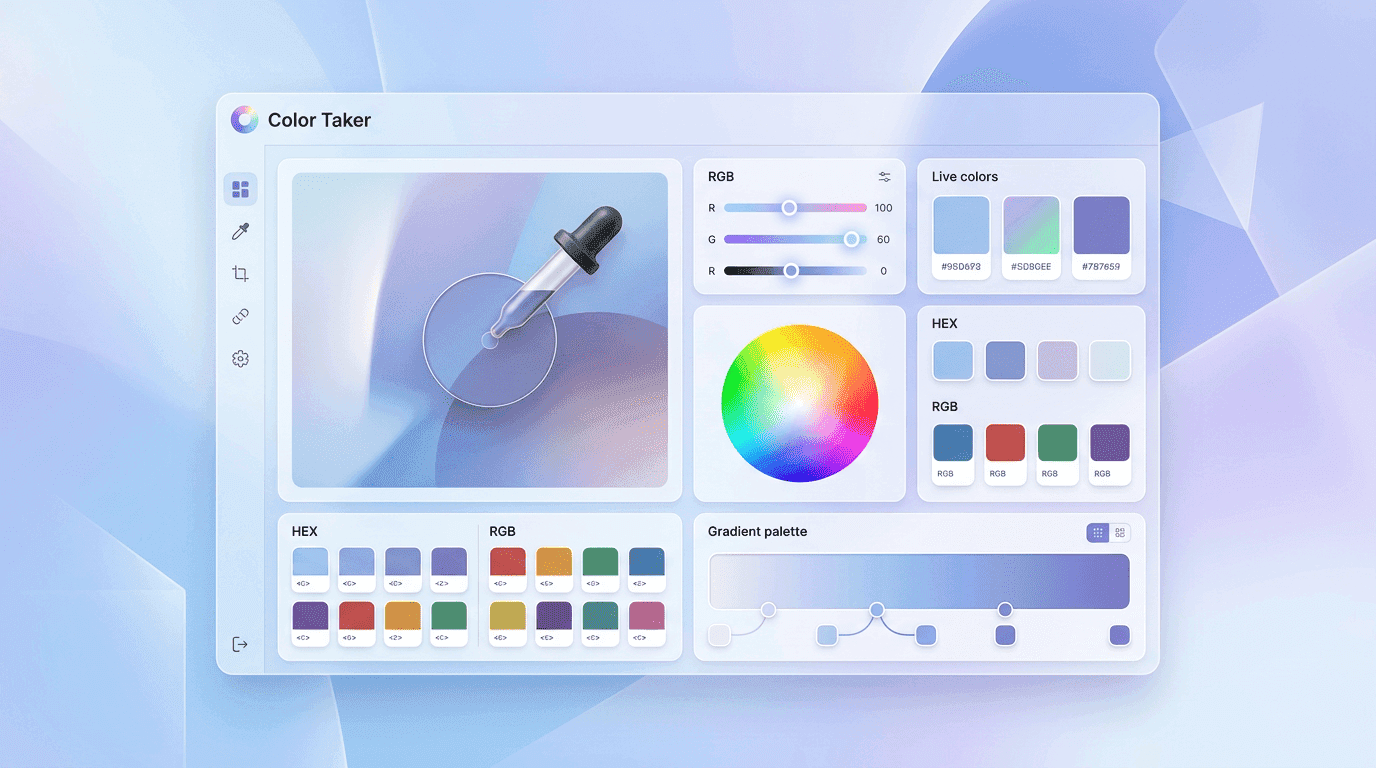
A Color picker extension changes this workflow entirely. Instead of estimating shades or recreating colors through trial and error, professionals can instantly capture accurate HEX, RGB, HSL, and CSS color values directly from any webpage or digital image. This creates a smoother design process, reduces inconsistencies, and improves collaboration across teams.
As modern digital projects become increasingly complex, efficiency matters just as much as creativity. A reliable browser extension helps maintain color consistency across branding, UI components, marketing assets, and product development while saving hours of repetitive work.
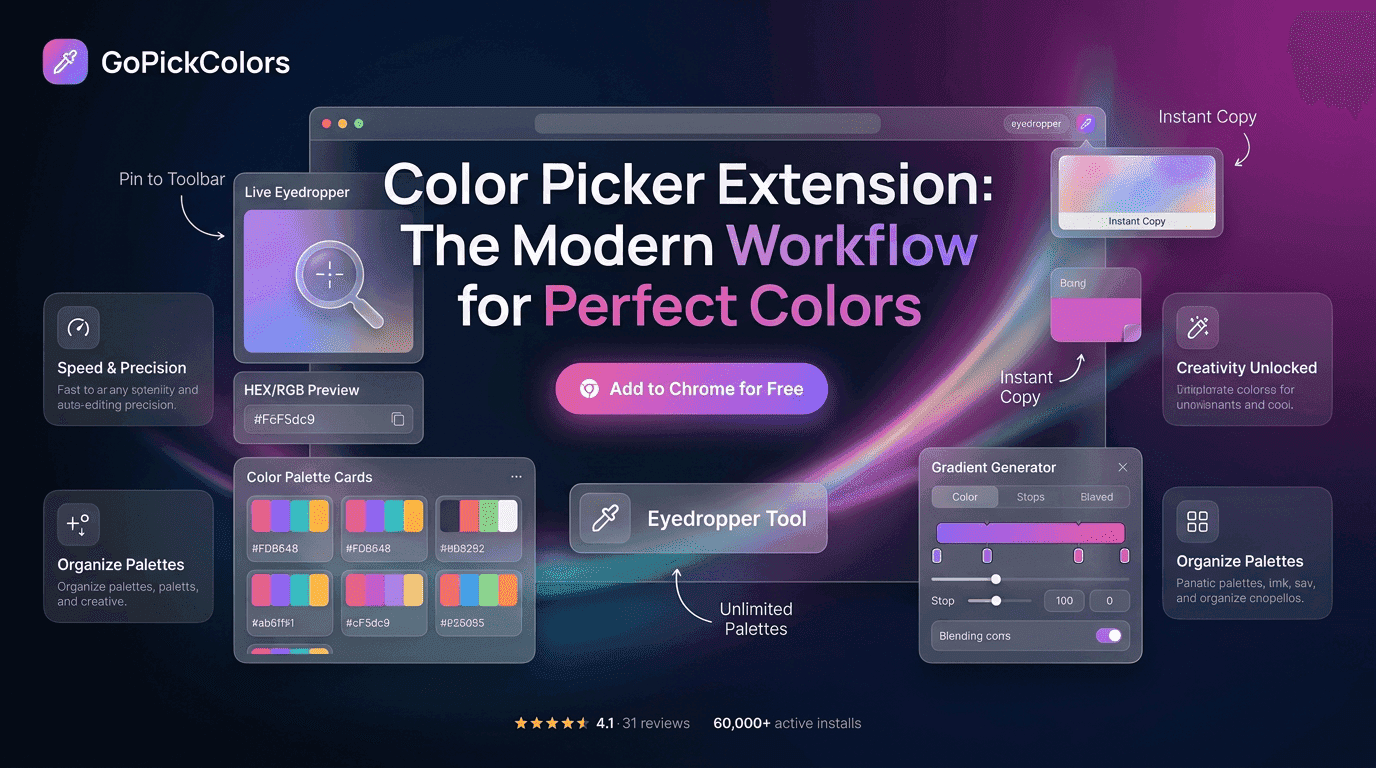
This is where Go Pick Colors delivers value. Designed for designers, developers, marketers, and creators, it provides a streamlined way to identify, copy, and organize colors without interrupting your workflow. Rather than switching between multiple tools or manually recreating color palettes, professionals can focus on building visually consistent experiences with confidence.
In this guide, you’ll learn how a Color picker extension fits into today’s creative workflow, why it has become an essential productivity tool, and how to use it effectively to achieve perfect colors in every project.
Why Modern Projects Demand Accurate Color Selection
Digital experiences are expected to remain visually consistent across multiple devices, browsers, and screen resolutions. Even slight variations in color can affect branding, accessibility, and user trust.
Imagine designing a landing page where the call-to-action button appears slightly different from the brand guideline. Although the difference may seem minor, users notice inconsistencies, especially when interacting with familiar brands.
Accurate color selection helps teams maintain:
- Consistent branding across every platform
- Better user interface readability
- Improved accessibility compliance
- Faster collaboration between designers and developers
- Reduced revision cycles
- Higher production quality
Instead of manually recreating colors, professionals now rely on a Color picker extension to capture exact values within seconds.
How Browser-Based Color Picking Changed Creative Workflows
Years ago, identifying colors meant taking screenshots, opening desktop editing software, zooming into individual pixels, and manually recording color values.
Today’s workflow is dramatically different.A browser extension allows users to inspect colors directly from live webpages, applications, dashboards, and images without leaving the current tab.
Instead of interrupting creative momentum, professionals can instantly extract colors while continuing their work. This seamless integration has transformed productivity for freelancers, agencies, software teams, and content creators alike.The result is less manual work and more time dedicated to creativity.
Key Features That Make a Great Color Picker Extension
Not every extension offers the same capabilities. Choosing the right solution means understanding which features genuinely improve everyday workflows.
| Feature | Why It Matters |
|---|---|
| Pixel-level color detection | Captures precise colors without approximation. |
| HEX, RGB & HSL support | Works across multiple design platforms. |
| One-click copy | Eliminates manual typing errors. |
| Instant preview | Confirms the selected color before copying. |
| Lightweight performance | Doesn't slow browser performance. |
| History tracking | Reuse previously captured colors easily. |
| Cross-page compatibility | Works on websites, dashboards, and web apps. |
Go Pick Colors combines these features into a simple workflow that minimizes unnecessary clicks while maximizing accuracy.
The Modern Design Workflow Starts With Better Color Tools
Professional design is no longer about individual creativity alone. It is about creating repeatable systems that improve efficiency.
A modern workflow typically looks like this:
- Research design inspiration
- Extract colors instantly
- Save important shades
- Build reusable palettes
- Share color values with developers
- Maintain brand consistency
- Publish confidently
Without a Color picker extension, every one of these stages becomes slower and more prone to human error.
Instead of guessing colors, professionals work with verified values from the beginning.
Who Benefits Most From Using Color Picker Extensions
Although designers are the most obvious users, color extraction tools now support nearly every creative profession.
| User | Practical Benefit |
|---|---|
| UI/UX Designers | Capture interface colors instantly. |
| Web Developers | Apply accurate CSS values. |
| Graphic Designers | Match brand colors perfectly. |
| Digital Marketers | Maintain campaign consistency. |
| Content Creators | Create visually balanced graphics. |
| Branding Agencies | Deliver standardized client assets. |
This versatility explains why the Color picker extension has become a standard productivity tool rather than a niche browser add-on.
Why Manual Color Matching Slows Down Every Project
Manual color matching often appears manageable during small projects. However, as websites, applications, and campaigns grow, inconsistencies begin to appear.
➡️ Designers waste time comparing screenshots.
➡️ Developers recreate incorrect CSS values.
➡️ Marketing teams unknowingly publish off-brand visuals.
➡️ Clients request revisions because colors don't match approved guidelines.
➡️ Each of these problems stems from relying on estimation instead of precision.
Modern workflows eliminate these inefficiencies by allowing teams to collect verified colors directly from the source.
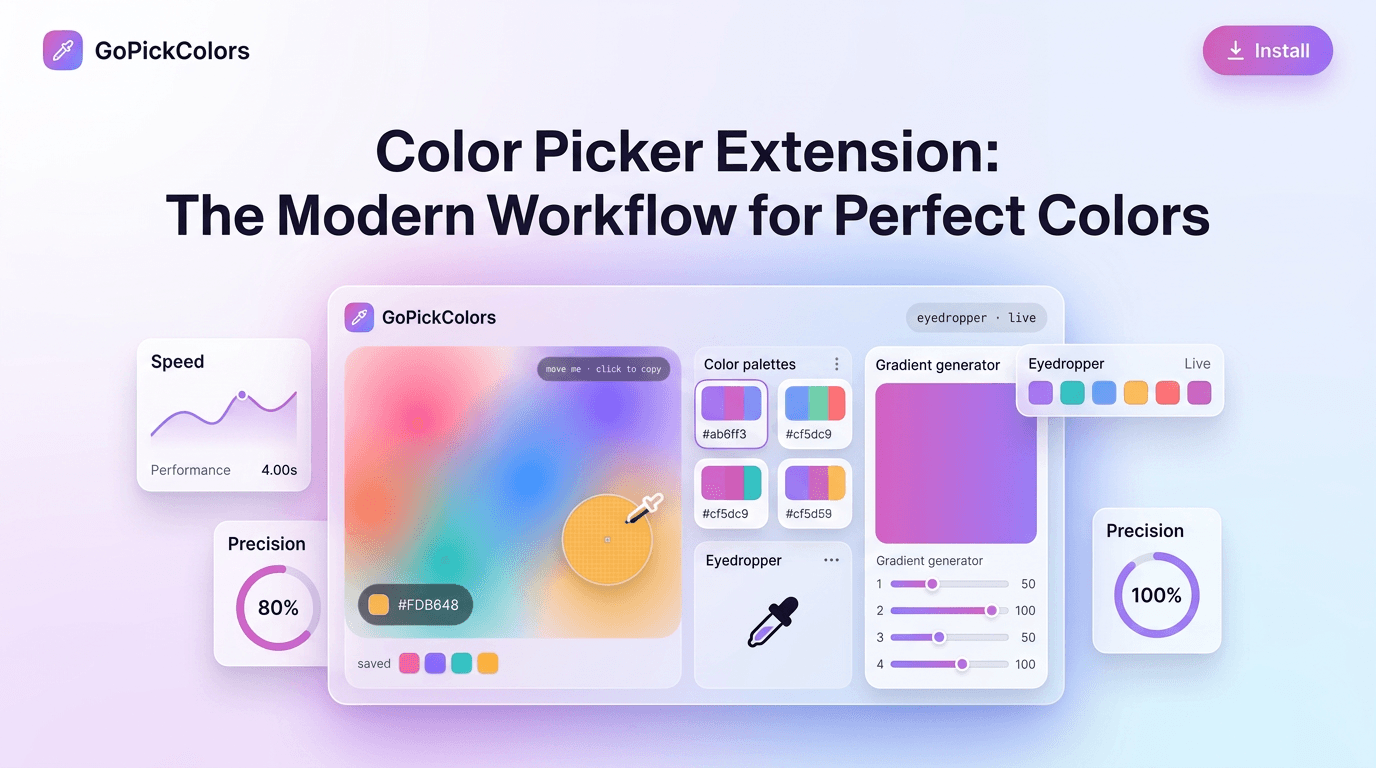
Go Pick Colors Simplifies Professional Color Management
Every productivity tool should remove friction instead of creating additional steps.Go Pick Colors is built around that principle.
Rather than forcing users to jump between multiple applications, it keeps color extraction inside the browser where work already happens.
Whether you are reviewing competitor websites, designing interfaces, auditing brand consistency, or creating digital campaigns, Go Pick Colors helps you identify and copy colors within seconds.
The simplicity of the workflow encourages consistency, making it easier for both individuals and collaborative teams to maintain high design standards.
Common Mistakes Professionals Make When Choosing Colors
Even experienced designers occasionally introduce color inconsistencies because of workflow habits rather than creative ability.
Some common mistakes include:
- Copying colors from compressed screenshots
- Relying on visual estimation
- Ignoring accessibility contrast ratios
- Mixing multiple color formats incorrectly
- Forgetting to document selected colors
- Using outdated brand guidelines
Using a Color picker extension helps prevent these issues by providing accurate color values directly from the original source.
How Color Precision Shapes Stronger Digital Experiences
Every successful digital product shares one common characteristic—visual consistency. Users may not consciously notice whether every button, icon, or background uses the exact brand color, but they immediately recognize when something feels inconsistent. Small differences in shades can weaken brand identity, reduce trust, and make interfaces appear unfinished.
A Color picker extension eliminates these inconsistencies by helping professionals capture exact color values directly from live webpages, applications, and digital assets. Instead of relying on approximation, every design decision is backed by measurable accuracy. Over time, this creates a stronger visual language that users recognize across websites, products, and marketing campaigns.
The Hidden Cost of Inconsistent Colors in Projects
Color inconsistency doesn’t just affect appearance it impacts productivity and project costs.
When colors don’t match approved brand guidelines, teams spend additional hours reviewing designs, updating assets, correcting CSS values, and repeating quality assurance checks. These revisions delay launches and reduce overall efficiency.
Organizations that standardize their color workflow experience:
- Faster design approvals
- Fewer client revision requests
- Better collaboration between teams
- Improved brand recognition
- Higher production efficiency
- More consistent customer experiences
By introducing a Color picker extension into everyday workflows, teams replace uncertainty with accuracy and reduce unnecessary rework.
Build Brand Consistency Across Every Digital Platform
Modern brands exist across websites, mobile applications, social media, advertisements, presentations, and email campaigns. Maintaining the same visual identity across all these touchpoints is challenging without precise color management.
Go Pick Colors simplifies this process by allowing professionals to extract exact colors whenever they need them. Rather than searching through old brand documents or manually comparing shades, teams can instantly identify approved colors and apply them consistently.
This approach strengthens brand recognition while ensuring every customer interaction feels familiar and professional.
Why Speed Matters as Much as Creativity
Creative professionals often focus on aesthetics, but speed has become equally important in today’s competitive digital environment.
Projects move quickly, campaigns launch faster, and design revisions happen almost daily. Waiting several minutes to identify a single color may seem insignificant, but those minutes accumulate across hundreds of design decisions.
A Color picker extension streamlines repetitive tasks, allowing professionals to spend more time solving creative problems instead of performing manual work. This balance between efficiency and creativity helps teams deliver higher-quality results within shorter deadlines.
Future-Proof Your Workflow With Smarter Color Management
Technology continues to evolve, but one principle remains constant: organized workflows outperform manual processes.
As design systems become larger and digital products become more complex, accurate color management becomes increasingly valuable. Professionals who establish efficient workflows today will adapt more easily to future design tools, browser technologies, and collaborative environments.
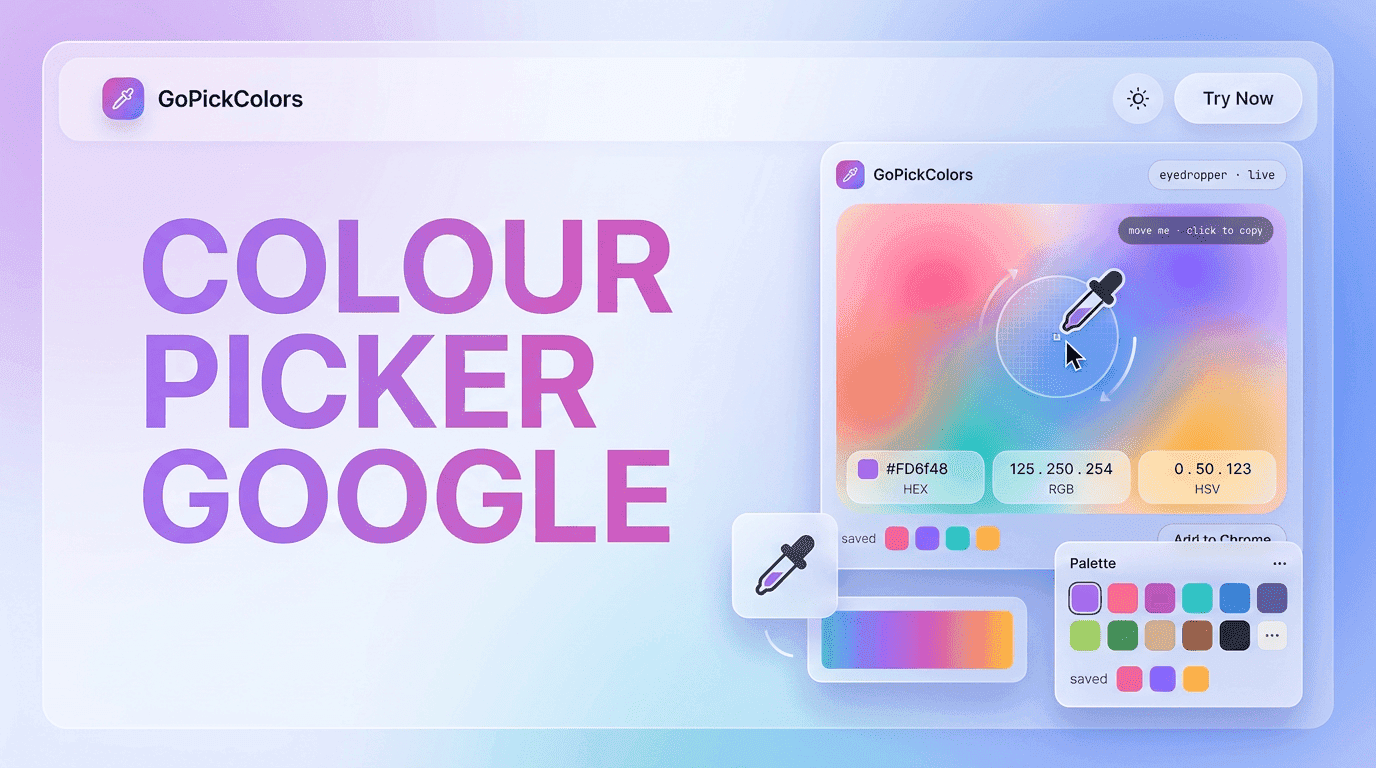
Whether you’re exploring inspiration through Colour picker google, reviewing competitor websites, or refining your own projects, adopting a structured color workflow ensures every project starts with reliable visual foundations.
Instead of treating color selection as a small task, consider it a strategic process that supports branding, usability, accessibility, and long-term design quality.
Real-World Scenarios Where Color Tools Matter Most
In practical workflows, color selection is not a one-time task—it happens repeatedly across different stages of a project. From initial inspiration to final deployment, professionals constantly revisit color decisions to ensure accuracy and consistency.
A Color picker extension becomes especially valuable in real-world situations such as:
- Auditing competitor websites for design inspiration
- Extracting brand colors from marketing creatives
- Matching UI components during frontend development
- Creating social media templates with consistent themes
- Reviewing redesigns during client feedback cycles
In each of these scenarios, precision matters more than guesswork. Even a slight variation in tone can disrupt visual harmony, especially in professional branding environments.
Comparison of Color Tools in Modern Workflows
| Tool Type | Workflow Experience | Accuracy Level | Best Use Case |
|---|---|---|---|
| Manual Color Picking | Slow and inconsistent | Low | Basic reference only |
| Image Editing Software | Moderate effort required | Medium | Graphic design editing |
| Browser Color Tools | Fast and accessible | High | Web-based workflows |
| Go Pick Colors Extension | Instant & seamless | Very High | Professional design systems |
This comparison highlights why modern professionals increasingly prefer browser-based solutions. A Color picker extension removes friction and improves workflow continuity, especially when working across multiple tabs, tools, and design systems.
How Go Pick Colors Enhances Workflow Efficiency
Go Pick Colors is designed to simplify color extraction without interrupting the creative flow. Instead of switching between tools or manually identifying shades, users can capture exact values in real time.
The extension supports fast color detection, allowing professionals to build palettes while browsing inspiration, testing UI layouts, or reviewing competitor interfaces.
Unlike traditional methods, it keeps everything inside the browser, ensuring that the workflow remains uninterrupted and efficient from start to finish.
Why Google Searches Still Fall Short for Designers
Many beginners rely on Colour picker google searches to find quick solutions, but this method often lacks precision and real-time accuracy. Search-based results typically provide general tools rather than live extraction capabilities.
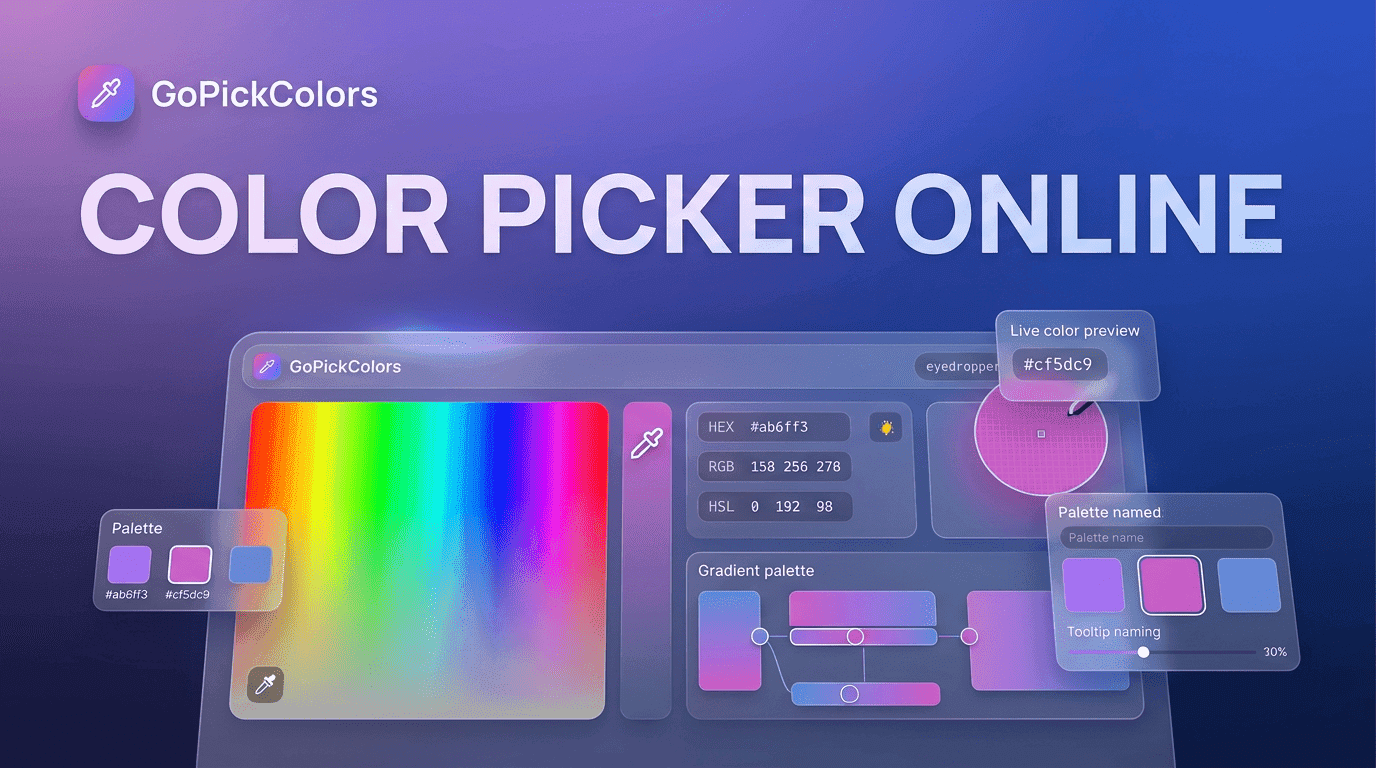
Similarly, using a Color picker online tool may require uploading images or switching between multiple tabs, which interrupts workflow continuity.
In contrast, browser extensions provide instant access directly within the working environment, eliminating unnecessary steps and improving accuracy at the source.
Step-by-Step Workflow Using a Color Picker Tool
A structured workflow improves efficiency and reduces errors during design and development.
Standard Process:
- Open the design inspiration or live website
- Activate the color picker tool
- Hover over the desired element
- Capture the exact color value
- Copy HEX, RGB, or HSL format
- Save into a design palette
- Apply across UI components
This simple process ensures that every selected color becomes part of a reusable system rather than a one-time decision.
Final Thoughts on Modern Color Workflows
As digital ecosystems continue to expand, the importance of structured and reliable design tools becomes even more critical. A well-designed color workflow not only improves efficiency but also strengthens brand identity, enhances accessibility, and reduces production errors.
Go Pick Colors plays a key role in this transformation by making color extraction fast, accurate, and accessible directly within the browser. Whether you are building a new product, refining a UI, or exploring design inspiration, adopting a Color picker extension ensures that your workflow remains modern, consistent, and highly efficient.
FAQs
1. What is a Color picker extension used for?
A Color picker extension is used to extract exact color values like HEX, RGB, and HSL from websites, images, or digital interfaces for accurate design and development work.
2. Is a Color picker extension better than online tools?
Yes, a Color picker extension is faster and more efficient than Color picker online tools because it works directly inside the browser without switching tabs or uploading images.
3. Can beginners use Go Pick Colors easily?
Yes, Go Pick Colors is designed for both beginners and professionals, offering a simple interface that allows instant color selection without technical complexity.
4. Why is color accuracy important in web design?
Color accuracy ensures brand consistency, improves readability, enhances user experience, and maintains professional design quality across all digital platforms.