Have you ever found yourself staring at a beautifully designed website, wondering, “What color is that button?” It seems like a simple question, but finding the exact answer often takes longer than expected. You take a screenshot, open a design application, zoom into the image, use an eyedropper tool, and finally copy the HEX code. By the time you’re done, you’ve lost your creative momentum over something that should have taken only a few seconds.
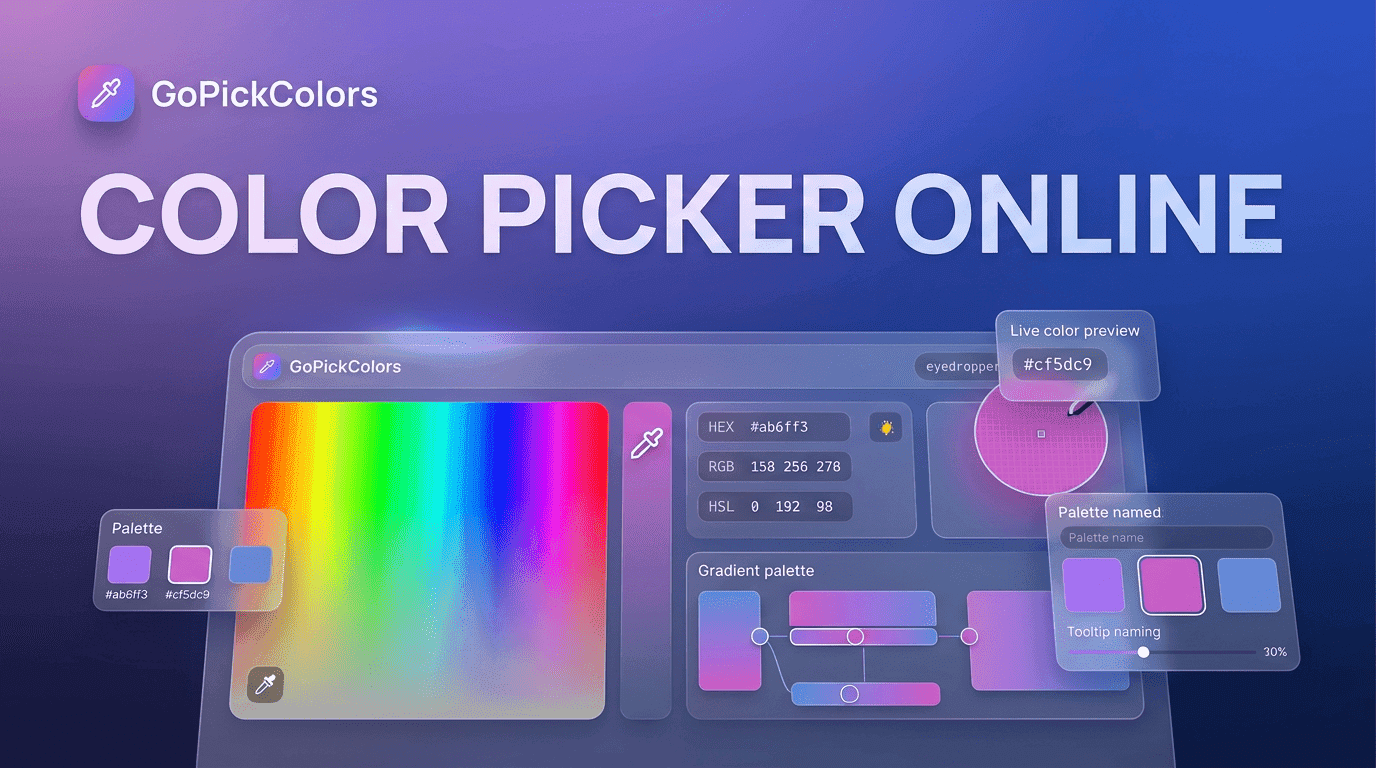
This happens every day to web designers, front-end developers, marketers, and even students learning UI design. While there are countless design tools available, many people still spend unnecessary time trying to identify colors from live websites. That’s why a Color Picker for Chrome Extension has become an essential browser tool. Instead of interrupting your workflow, it lets you capture colors directly from any webpage and continue working without leaving Chrome.
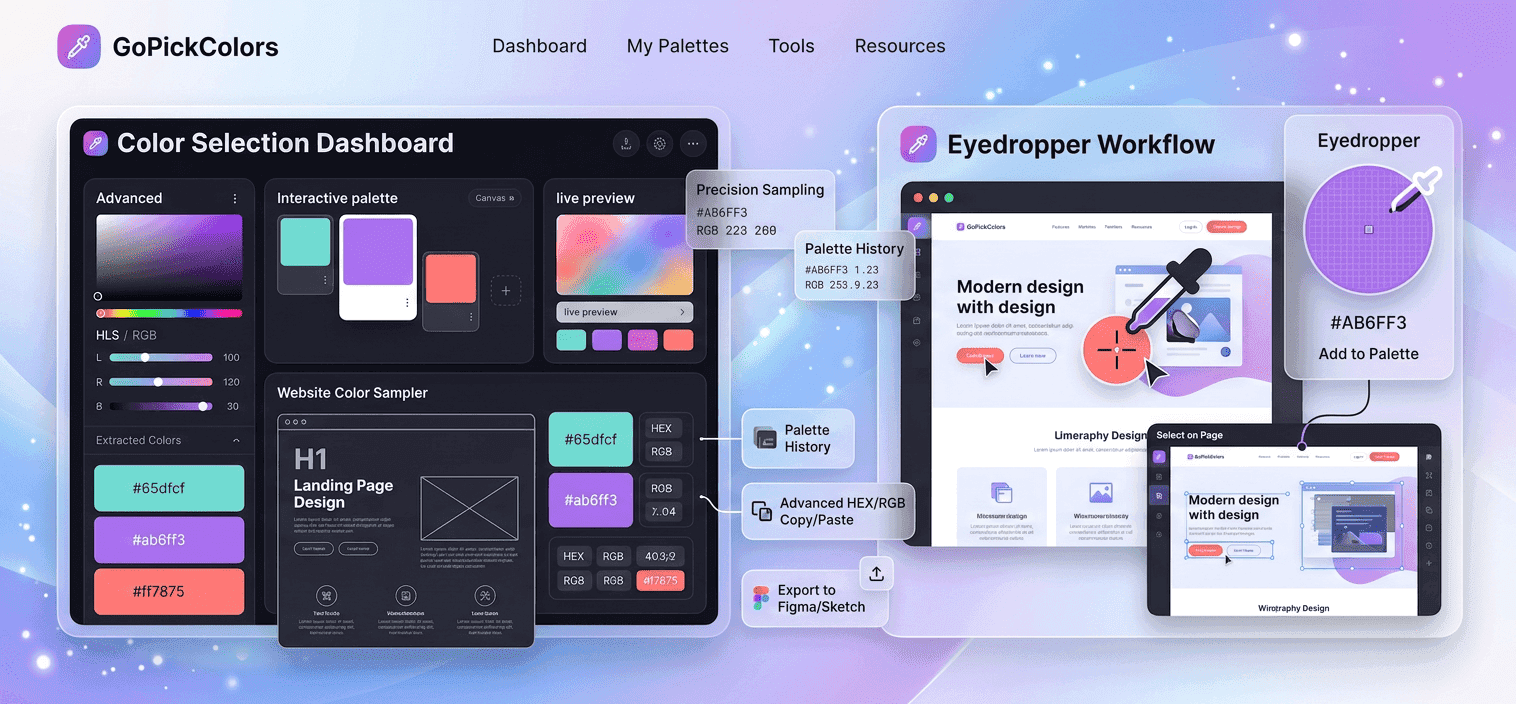
Go Pick Colors was built around this everyday challenge. Rather than making users jump between multiple applications, it allows them to identify, copy, and reuse colors instantly. Whether you’re building a website from scratch or gathering inspiration from the best designs on the web, every color is only one click away.
The Hidden Time Cost of Finding One Color
Design projects are filled with small tasks that don’t seem important individually but quickly add up over the course of a day. Finding a single brand color is one of those tasks. Imagine working on five client projects in one afternoon. Each client has different branding, different websites, and different visual guidelines. If identifying colors takes even five extra minutes per project, you’ve already lost nearly half an hour.
This is why experienced designers focus on removing unnecessary steps from their workflow. Instead of manually searching for color codes, they use a Color Picker for Chrome Extension to collect accurate values while browsing. It saves time, reduces frustration, and keeps creativity flowing without constant interruptions.
Inspiration Shouldn’t Be Difficult to Capture
Some of the best design ideas appear when you’re not actively looking for them. You might discover a beautifully designed pricing section while researching competitors or notice a perfectly balanced gradient on a landing page that instantly catches your attention. These moments of inspiration happen naturally, but they’re often lost because capturing colors isn’t convenient.
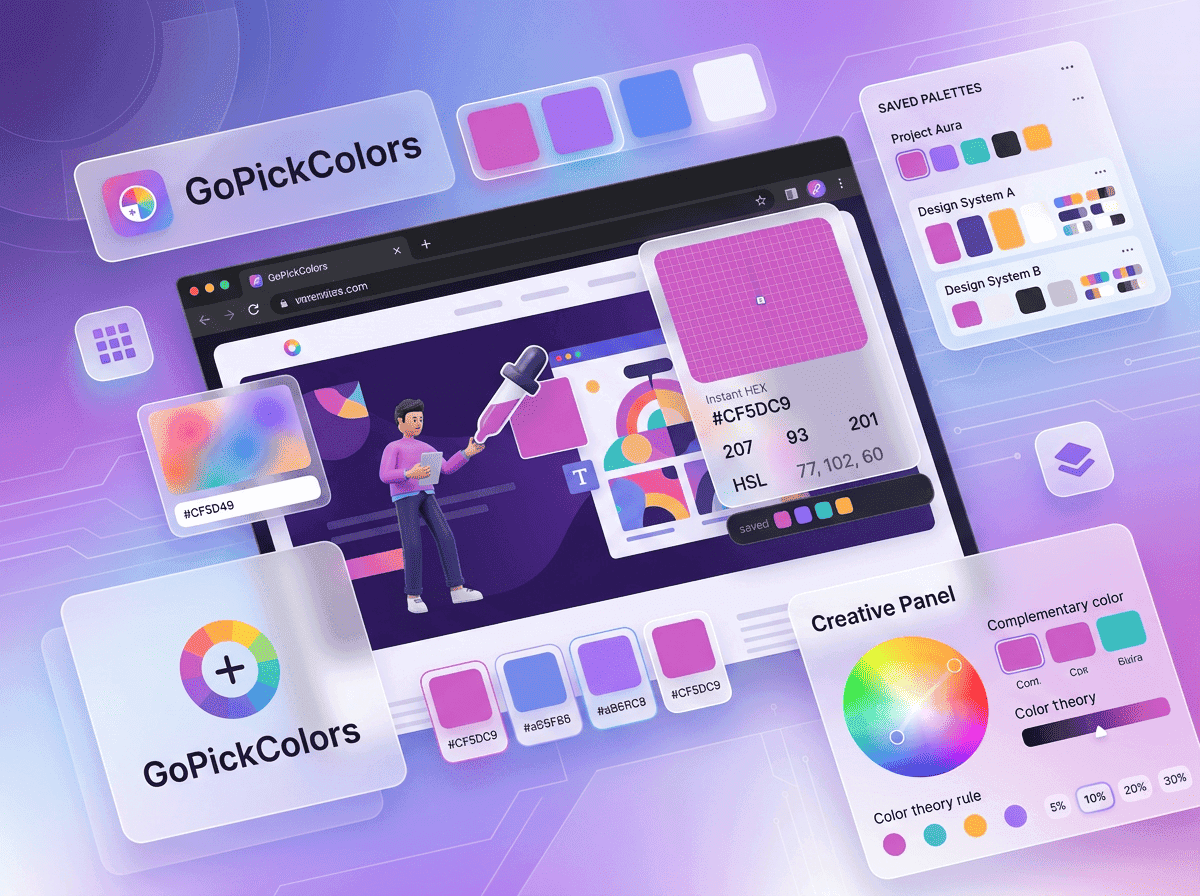
With Go Pick Colors, inspiration becomes part of your workflow instead of an interruption. You can extract colors from website elements the moment you find them, whether it’s a background, navigation bar, icon, button, or typography. Instead of relying on memory or bookmarks, you collect the exact colors that inspired you and use them later in your own projects.
From a Beautiful Website to Your Design in Seconds
Think about the last time you admired the design of a SaaS platform or an online store. Perhaps it was the clean blue used for primary buttons or the subtle gray that made the interface feel modern and professional.
Without the right tools, recreating those colors usually involves multiple steps. You capture a screenshot, open editing software, sample the color, and hope you’ve selected the correct pixel. It’s a process that feels outdated in today’s fast-moving digital world.
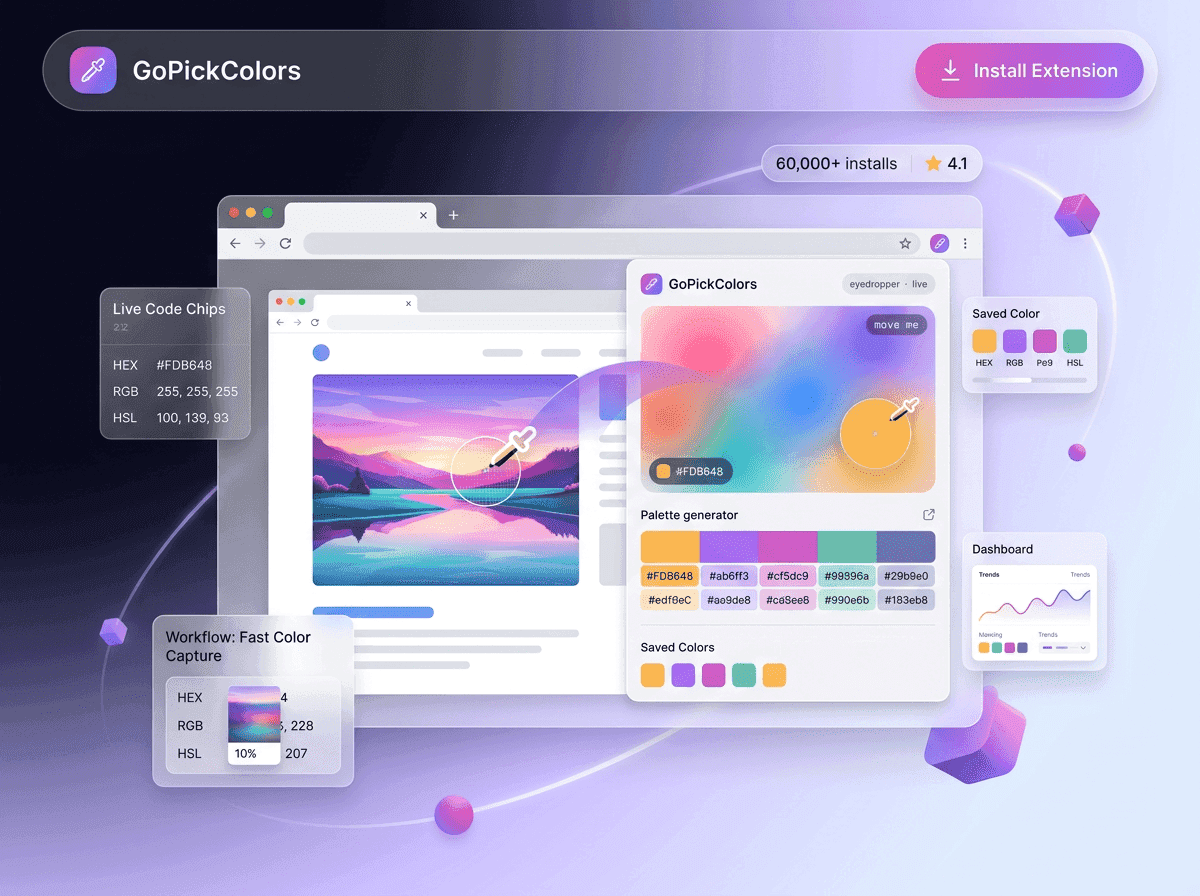
A chrome extension color picker changes that experience completely. Open the webpage, activate Go Pick Colors, hover over the element, and instantly copy HEX color values. The entire process takes only a few seconds, allowing you to return your focus to designing rather than searching.
How Designers Build Better Interfaces
Every successful interface begins with consistency. Buttons, cards, menus, alerts, and forms all need to work together visually. Even slight differences in color can make a website feel unpolished.
Professional designers often spend time studying products they admire, not to copy them but to understand how color creates hierarchy and improves usability. They observe how bright colors attract attention, how muted tones create balance, and how subtle contrasts guide users through an interface.
Using a website color picker, they can analyze these details quickly and accurately. Instead of estimating colors by eye, they work with exact values that help them build cleaner and more consistent interfaces. This allows them to spend less time on repetitive tasks and more time solving real design problems.
Why Developers Prefer Accurate Color Codes
Match Existing Website Colors – Easily identify and reuse colors from live websites, even when design files are unavailable.
Speed Up Development – Use Go Pick Colors as an RGB color picker to capture accurate color values and apply them directly to HTML and CSS.
Reduce Rework – Exact color codes help developers avoid manual adjustments and minimize design inconsistencies.
Improve Team Collaboration – Designers and developers work with the same HEX and RGB values, ensuring consistent implementation across projects.
Deliver Consistent Results – Accurate color selection helps maintain a polished and professional appearance throughout the website.
Keep Marketing Designs Consistent Across Every Channel
A website is only one part of a brand’s digital presence. Businesses also publish social media posts, email campaigns, digital advertisements, landing pages, presentations, and promotional banners. If each asset uses slightly different shades, the brand can quickly appear inconsistent.
Marketing teams often revisit their company website to find the correct brand colors before creating new campaigns. Instead of searching through old brand guidelines or asking designers for HEX codes, they can use Go Pick Colors to capture the exact color instantly. This keeps every campaign visually aligned and helps build stronger brand recognition across every platform.
Small Improvements Create Faster Workflows
Creative professionals often focus on large milestones like launching websites or completing redesigns. However, productivity usually improves through small everyday optimizations.
Saving just a few minutes every time you identify a color can result in hours of time saved each month. Those extra hours can be spent refining layouts, improving user experience, or creating more engaging content instead of repeating manual tasks.
This is why lightweight browser tools have become an important part of modern design workflows; they remove unnecessary steps without adding complexity.
Why Go Pick Colors Fits Every Creative Workflow
Every creative professional approaches projects differently, but they all share one common need: finding accurate colors quickly.
Whether you’re building a website, coding a landing page, creating marketing graphics, or researching design inspiration, Go Pick Colors helps you move from inspiration to implementation without leaving your browser.
Its simple workflow makes it equally useful for freelancers, agencies, in-house teams, students, and business owners who want a faster way to work with website colors.
Practical Tips to Get More From Go Pick Colors
To make the most of your workflow, try these simple practices:
- Capture colors as soon as you find inspiration.
- Organize frequently used brand colors into reusable palettes.
- Reuse saved colors across websites and marketing materials.
- Double-check color contrast before publishing new pages.
- Share exact HEX and RGB values with your team instead of screenshots.
These habits improve consistency while reducing unnecessary revisions throughout every project.
Conclusion
Choosing colors shouldn’t interrupt your creativity. Whether you’re designing a new interface, updating an existing website, or creating marketing assets, having quick access to accurate color codes makes every project easier to manage.
A Color Picker for Chrome Extension removes the guesswork by letting you identify and copy colors directly from live webpages in seconds. With Go Pick Colors, designers, developers, and marketers can work faster, maintain consistent branding, and spend more time creating exceptional digital experiences instead of searching for color values.
If you’re ready to simplify website color selection, download Go Pick Colors today and discover how one click can transform the way you work with colors online.