You’re redesigning a client’s landing page, and everything is coming together perfectly except the call-to-action button. The existing color feels dull, so you start looking for inspiration. After browsing a few well-designed websites, you find the perfect shade of blue. Now comes the frustrating part: How do you capture that exact color without wasting time?
For years, designers relied on screenshots and image-editing software to identify colors. Although that method works, it interrupts the creative process. Every time you leave your browser, open another application, and manually sample a color, you’re breaking your focus.
Today’s creative professionals work differently. They expect faster tools that fit naturally into their workflow. That’s why the Color Selector has become an essential part of modern web design. Instead of switching between multiple applications, you can capture accurate colors directly from a live webpage and continue designing without interruption.
Why Browser-Based Color Selection Is Changing Everything
Modern designers spend most of their time inside a browser. Researching competitors, reviewing client websites, testing landing pages, and exploring design inspiration all happen online.
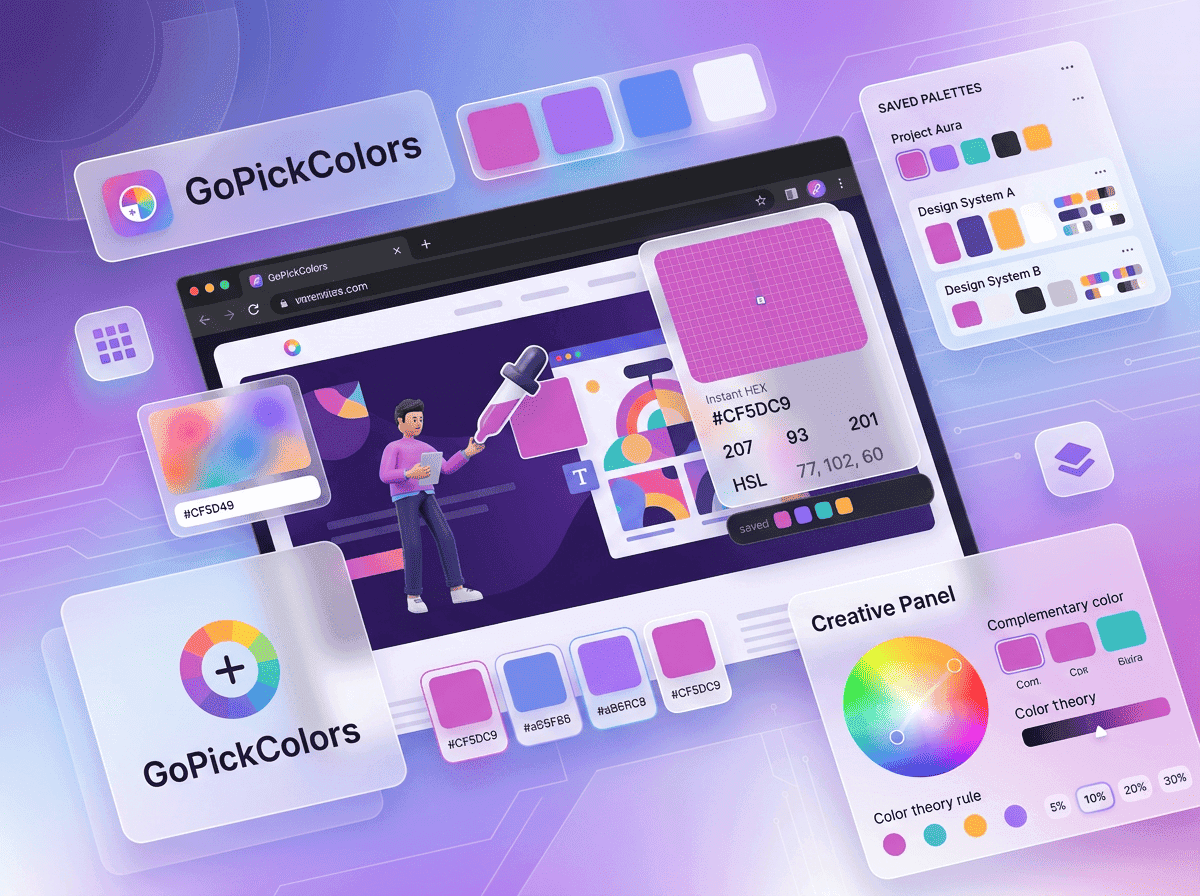
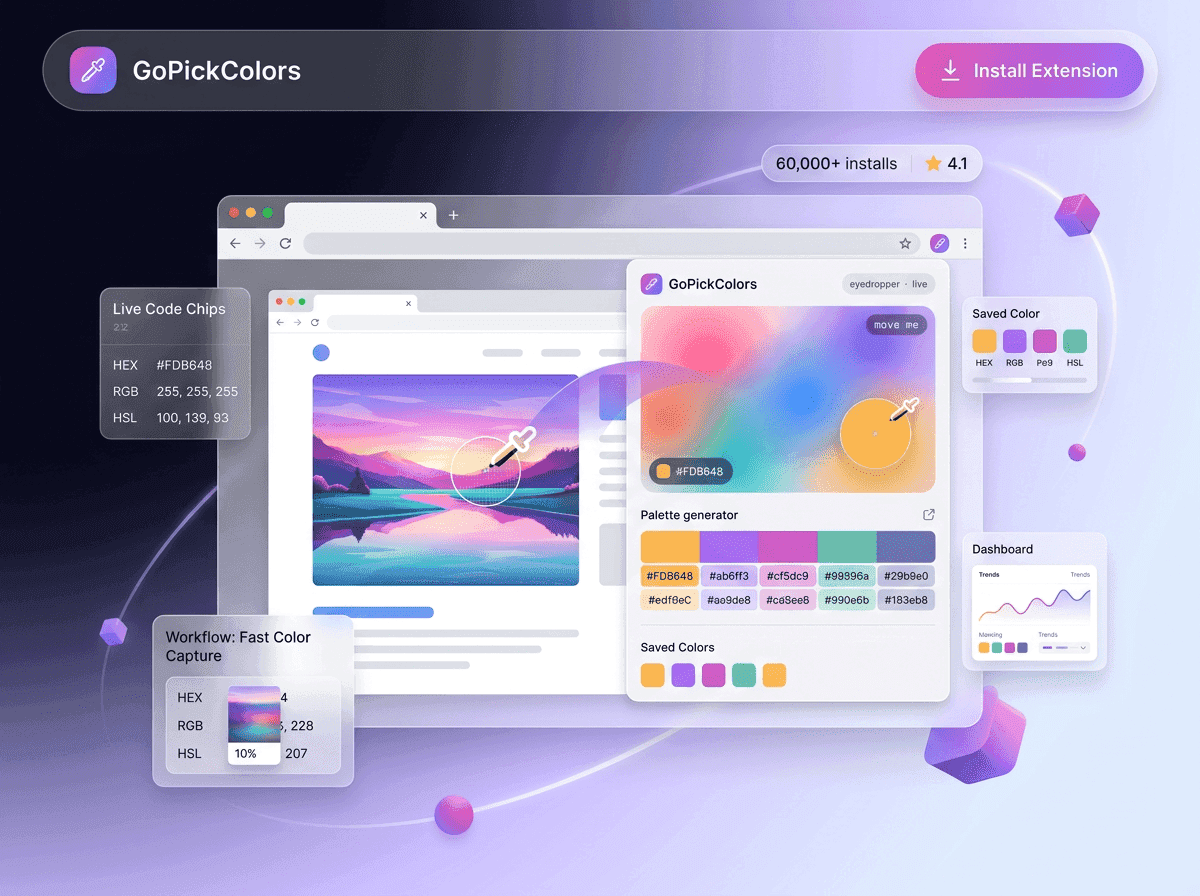
Using Go Pick Colors as an online color selector means you never have to leave that environment. Instead of taking screenshots, simply hover over the webpage element you want, capture the color instantly, and continue working.
The experience feels natural because the tool works where your creativity already happens.
A Real Workflow Every Web Designer Will Recognize
Browse for Inspiration – Explore SaaS websites, landing pages, or web applications to discover modern color combinations. Spot the Perfect Color – Find a navigation bar, button, background, or UI element that fits your design vision. Capture the Color Instantly – Open Go Pick Colors and use the webpage color selector to grab the exact color value in one click. Save and Reuse – Store the captured HEX or RGB code in your design system or project palette for future use.
Turn Inspiration Into Design – Apply the saved color to your own interface, creating a consistent and professional user experience without wasting time.
When Developers Need More Than an Eyedropper
Developers often inherit existing websites where original design files no longer exist. During updates, they must match buttons, icons, alerts, and backgrounds without changing the site’s visual identity.
Opening design software isn’t practical when the color already exists on the live website.
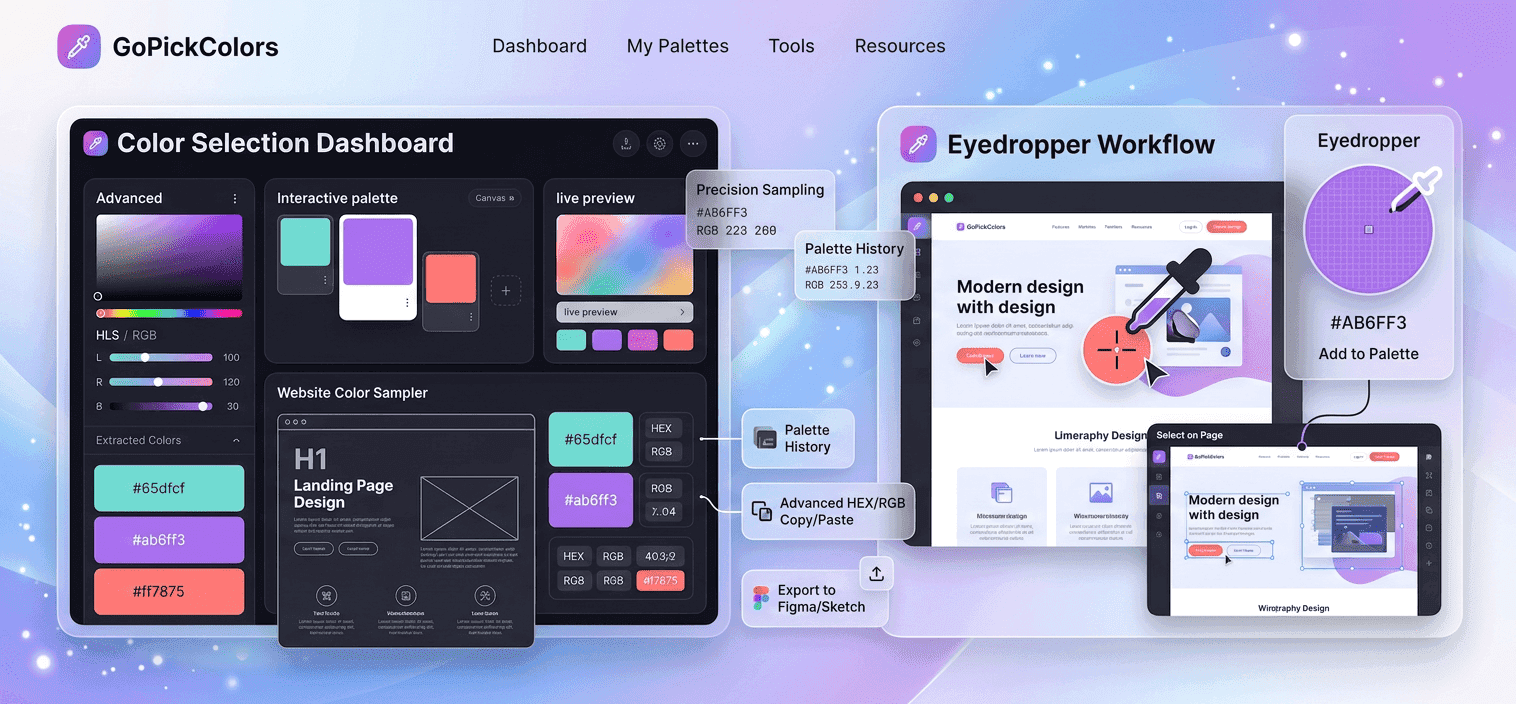
Instead, Go Pick Colors works as a chrome color selector, allowing developers to retrieve accurate values directly from the browser and use them immediately in HTML or CSS. This saves time while reducing inconsistencies between development and design.
Feature Comparison That Actually Matters
Choosing between these tools isn’t about which one has more options, it's about which one removes unnecessary work.
| Feature | Traditional Eyedropper | Browser Color Selector |
|---|---|---|
| Works on live webpages | ✘ | ✔ |
| Requires screenshots | ✔ | ✘ |
| Instant HEX copying | Limited | ✔ |
| Faster research workflow | ✘ | ✔ |
| Better for web projects | Limited | ✔ |
| Easy for daily use | Moderate | ✔ |
For professionals who spend most of their day inside Chrome, the browser-first approach simply makes more sense.
Why Faster Color Selection Improves Every Project
Design quality isn’t only about creativity it also depends on momentum. The fewer interruptions you face during a project, the easier it becomes to stay focused and make better decisions.
A Color Selector helps remove one of the most common interruptions in web design: finding accurate colors. Instead of pausing your workflow every few minutes, you capture what you need instantly and keep moving forward.
That small improvement may only save a minute at a time, but over dozens of projects, it becomes one of the easiest ways to increase productivity without changing the way you work.
When Should You Use a Color Selector or Eyedropper Tool?
Both tools have their place in a designer’s toolkit, but the right choice depends on your workflow. If you’re working with images, logos, or graphics stored on your computer, a traditional eyedropper tool is still useful. It allows you to sample colors from image files during editing or graphic design tasks.
However, if you’re researching websites, reviewing UI designs, or collecting inspiration online, a Color Selector is the faster option. It works directly on live webpages, helping you capture colors instantly without taking screenshots or opening additional software.
Common Color Selection Mistakes to Avoid
Small mistakes in color selection can affect the overall quality of a website. Avoiding these common issues helps maintain a polished and professional design.
Guessing Colors by Eye – Similar shades can look identical but have completely different color values.
Using Multiple Color Variations – Inconsistent colors weaken brand identity across websites and marketing materials.
Ignoring Accessibility – Always check that text and background colors provide enough contrast for better readability.
Saving Colors Randomly – Organize frequently used colors into reusable palettes for future projects.
Best Practices for Accurate Website Color Selection
Professional designers don’t just collect colors they build systems that improve consistency and efficiency. Following a few simple practices can make every project easier to manage.
- Capture colors directly from live webpages instead of screenshots.
- Save frequently used brand colors for future projects.
- Use exact HEX or RGB values across websites and marketing assets.
- Test color contrast before publishing new designs.
- Share accurate color codes with designers and developers to avoid revisions.
These habits reduce repetitive work while improving collaboration across creative teams.
Why Browser Extensions Save Valuable Design Time
Every project involves small, repetitive tasks that quietly consume valuable time. Finding colors, copying codes, and switching between applications may seem insignificant, but together they slow the entire creative process.
Go Pick Colors removes these unnecessary steps by working directly inside Chrome. Instead of interrupting your workflow, it lets you capture colors while browsing and continue designing without losing momentum. This simple improvement helps designers, developers, and marketers complete projects faster while maintaining consistent results.
Quick Comparison: Which Tool Should You Choose?
| Your Task | Best Tool |
|---|---|
| Capture colors from a live website | Color Selector |
| Sample colors from an image | Eyedropper Tool |
| Build website color palettes | Color Selector |
| Edit graphics or photos | Eyedropper Tool |
| Research competitor websites | Color Selector |
| Maintain brand consistency | Color Selector |
For modern web design, browser-based tools offer a faster and more efficient workflow for most day-to-day tasks.
Final Thoughts
Modern web design is all about creating better experiences while working more efficiently. Choosing the right color selection method may seem like a small decision, but it has a significant impact on productivity, collaboration, and design consistency.
A Color Selector allows you to capture colors instantly, organize your favorite palettes, and apply accurate color values without interrupting your workflow. Combined with Go Pick Colors, it becomes a practical solution for designers, developers, marketers, and anyone who works with digital interfaces.
Instead of relying on outdated workflows, choose a smarter way to collect website colors. Download Go Pick Colors today and experience how a modern browser-based color selector can simplify every design project.