Creating visually appealing websites is no longer just about choosing attractive colors. Modern designers, developers, marketers, and content creators need to build consistent digital experiences that strengthen branding and improve usability. Every shade on a webpage contributes to how users perceive a business, making color selection one of the most important steps in the design process.
This is where a Color Picker Chrome Extension becomes an essential productivity tool. Instead of manually guessing color values or taking screenshots to identify a specific shade, you can instantly capture any color directly from a webpage. Whether you’re redesigning a website, creating marketing assets, or building a new brand identity, the right extension helps you work faster and with greater precision.
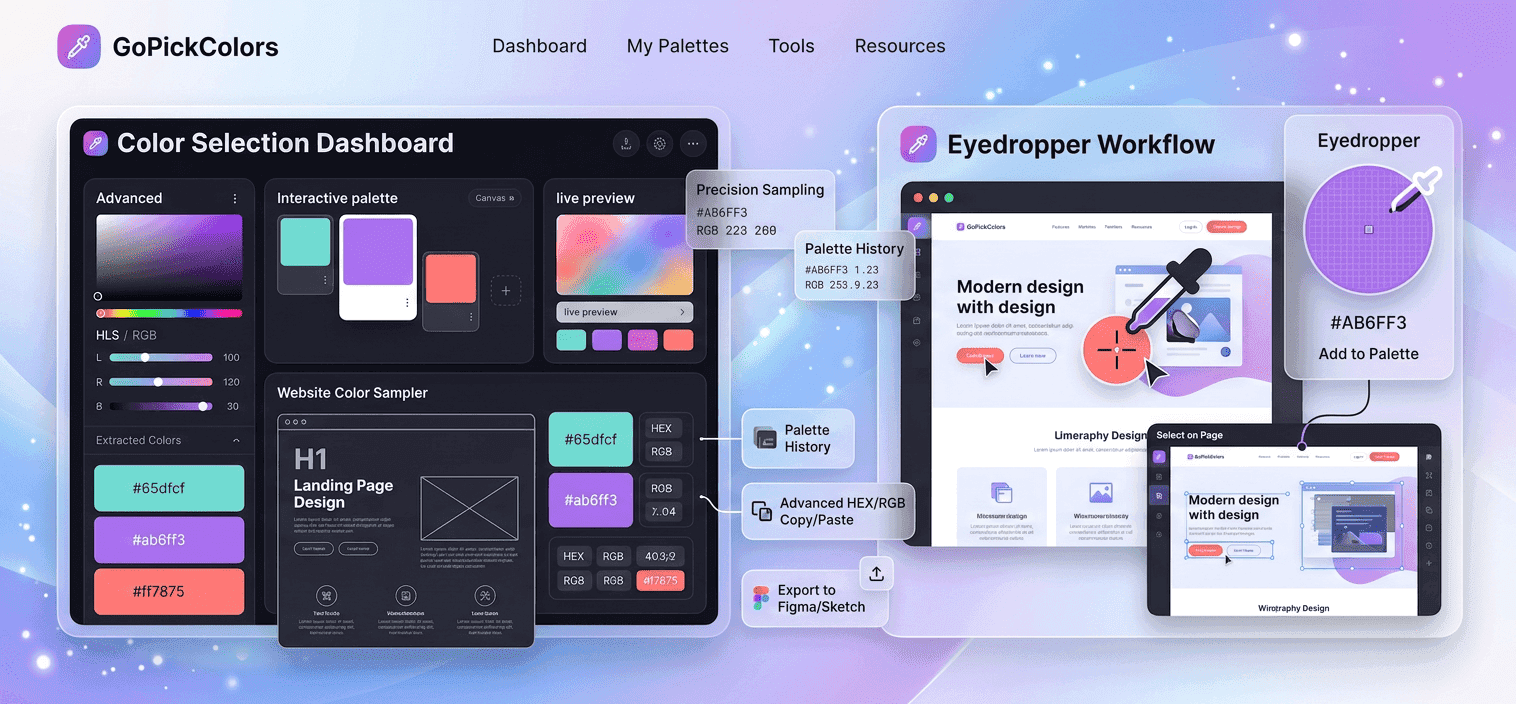
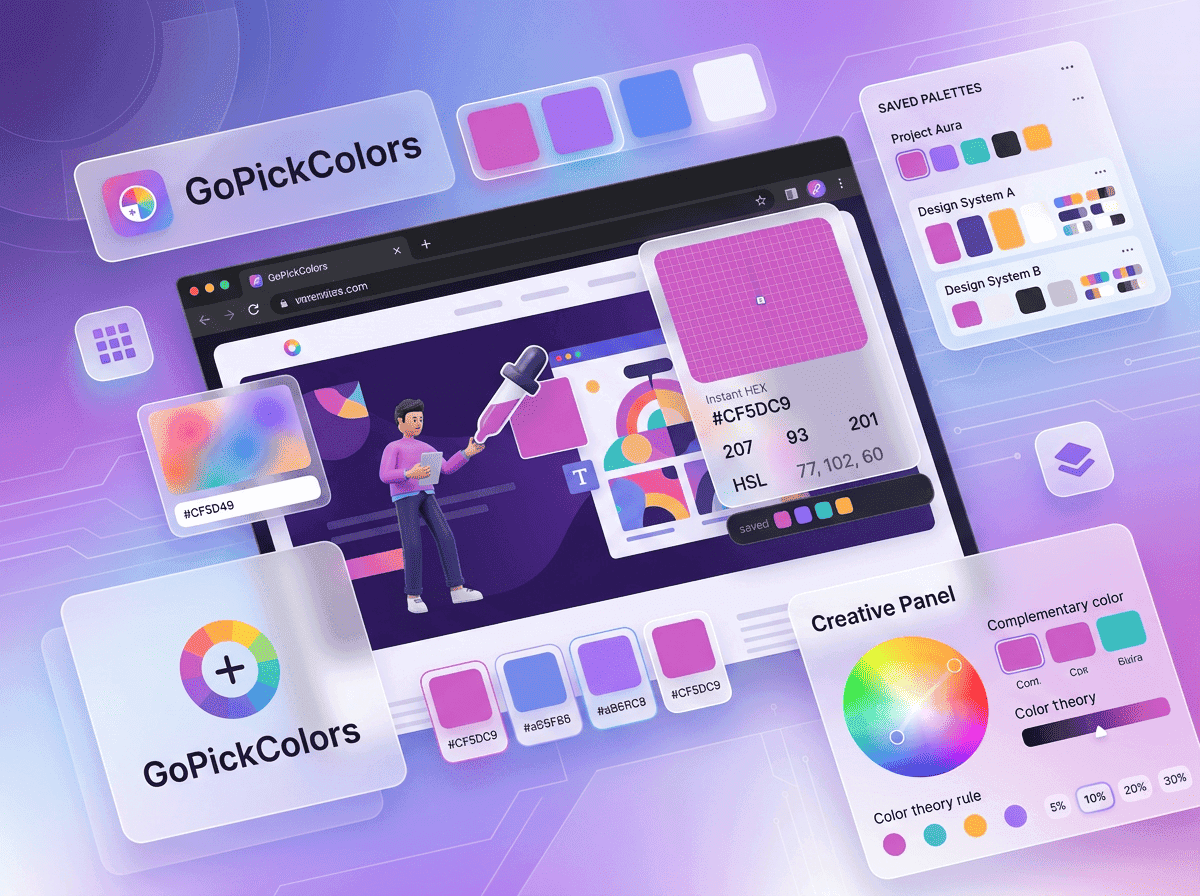
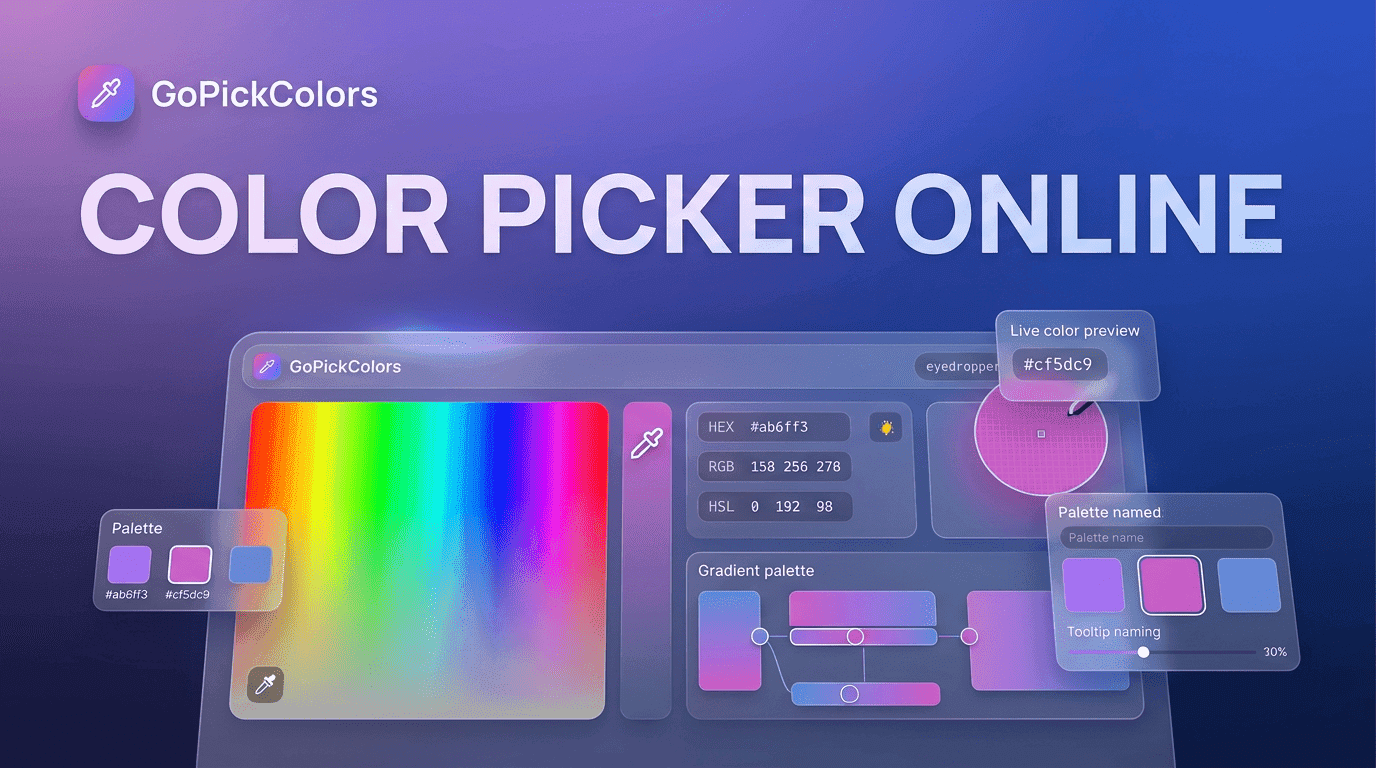
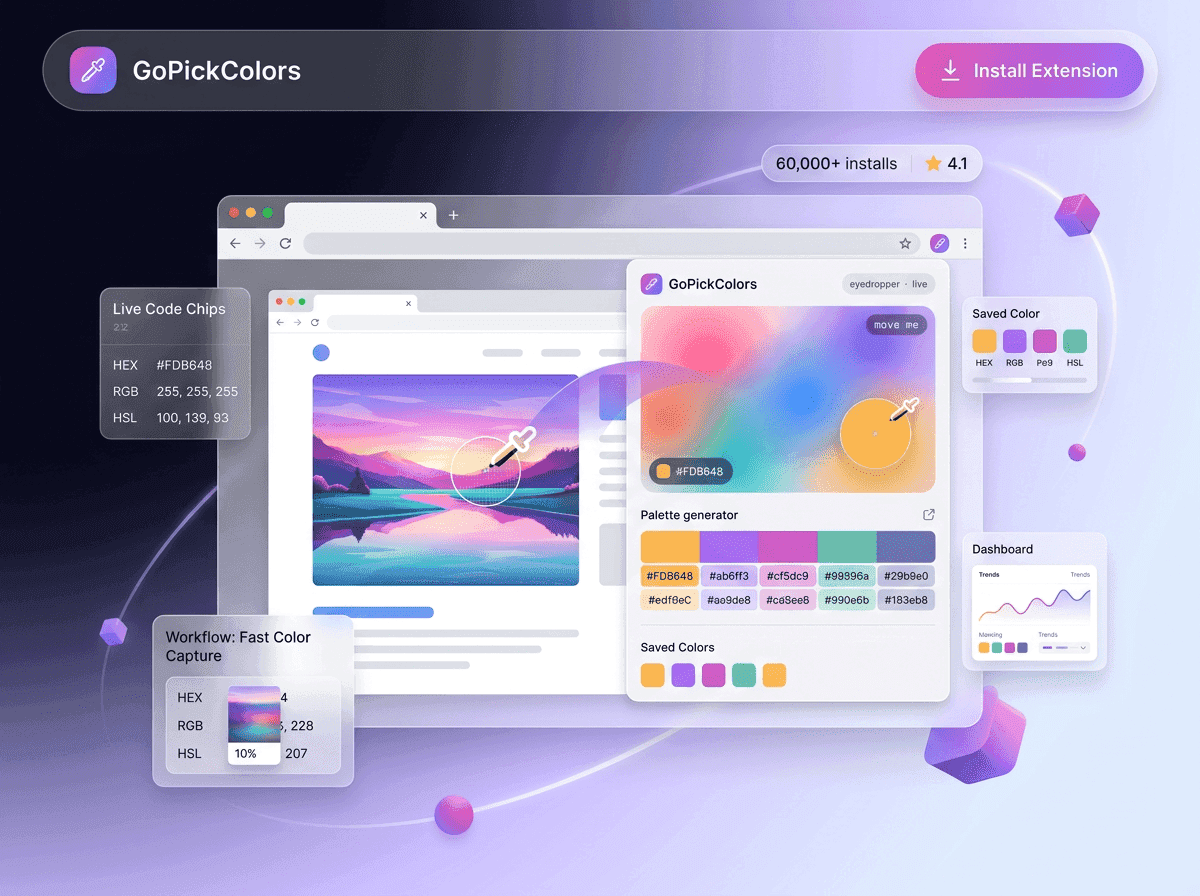
Go Pick Colors is designed to simplify color selection for professionals and beginners alike. With a clean interface, accurate color detection, and instant HEX, RGB, and CSS code generation, it transforms the way you collect and manage colors online.
Why Every Designer Needs Better Color Selection Tools
Design trends evolve every year, but one challenge remains the same maintaining color consistency across digital projects. Businesses invest heavily in branding, and even small color variations can reduce recognition and professionalism.
Many designers still rely on screenshots, image editing software, or manual inspection to identify webpage colors. These methods interrupt creativity and consume valuable time.
Modern browser extensions eliminate these extra steps by allowing users to inspect any visible color instantly. Instead of switching between multiple applications, designers can stay focused inside their browser and continue working without breaking their workflow.
This simple improvement saves minutes on every project, which quickly adds up for agencies, freelancers, UI designers, and front-end developers.
How Go Pick Colors Simplifies Daily Design Work
Go Pick Colors is built for people who work with digital interfaces every day. Rather than acting as another complicated design tool, it focuses on making color extraction effortless.
Using the extension takes only a few seconds:
- Open any webpage.
- Launch the extension.
- Hover over the desired element.
- Capture the exact color.
- Copy the generated color code.
The extension supports common formats used across modern design and development projects, allowing users to move directly from inspiration to implementation.
Whether you’re designing websites, creating advertisements, building presentations, or updating UI components, Go Pick Colors helps eliminate repetitive tasks while improving accuracy.
The Benefits of Using a Color Picker Chrome Extension
A professional workflow depends on speed, consistency, and precision. That’s exactly why a Color Picker Chrome Extension has become a standard tool for creative professionals.
Capture Colors in Seconds
Instantly pick colors from any webpage without manual guessing, saving time and improving workflow.
Maintain Brand Consistency
Use exact color codes across websites, marketing materials, and social media to keep branding consistent.
Improve Collaboration
Share precise HEX and RGB codes with designers and developers for faster, error-free teamwork.
Increase Productivity
Capture colors directly in Chrome without switching between tools or applications.
Better Accuracy
Automatically detect exact color values and avoid mistakes caused by visual estimation.
Common Situations Where Color Picking Saves Time
Many people think color picker tools are only useful for designers, but their applications extend across numerous professions.
UI and UX Design ➜ Capture button, background, typography, and icon colors from websites to create consistent and user-friendly interfaces.
Front-End Development ➜ Instantly extract accurate color values for HTML and CSS without manually inspecting every element.
Digital Marketing ➜ Match website colors with ads, landing pages, and social media graphics for stronger brand consistency.
Content Creation ➜ Use website colors in thumbnails, presentations, infographics, and other creative assets for a professional look.
Product Designers ➜ Build and maintain consistent design systems by quickly extracting precise color palettes from web interfaces.
Features That Make Go Pick Colors Different
Not every extension delivers the same experience. Go Pick Colors focuses on speed, simplicity, and reliability instead of unnecessary complexity.
Some standout capabilities include:
- Instant webpage color detection
- One-click HEX copying
- RGB and CSS color formats
- Lightweight performance
- Fast browser integration
- Beginner-friendly interface
- Accurate pixel-level detection
- Smooth workflow without distractions
These features make the extension suitable for everyone from first-time website owners to experienced creative professionals.
Modern Web Design Starts With Better Color Decisions
Choosing the right shades isn’t just about aesthetics it directly affects conversions, engagement, and user experience.
Go Pick Colors empowers creative professionals to work faster while ensuring every project maintains visual consistency from start to finish.
In the next section, we’ll explore the advanced capabilities of a Color Picker Chrome Extension, practical workflows, industry-specific applications, and how it compares with traditional color selection methods.
Features to Look for in a Color Picker Chrome Extension
Not every extension offers the same level of functionality. Choosing the right Color Picker Chrome Extension can significantly improve your workflow, especially if you regularly work with websites, branding, or digital products.
Instant Color Detection
The extension should identify colors immediately when you hover over any webpage element. Fast detection keeps your creative process uninterrupted.
Multiple Color Formats
A professional tool should provide HEX, RGB, and CSS values with one click, making it easy to use colors across design and development projects.
Lightweight Performance
A good extension should run smoothly without slowing down your browser, even when multiple tabs are open.
One-Click Copy
Copying color codes instantly saves time and eliminates typing errors during implementation.
User-Friendly Interface
The best tools require little to no learning curve, allowing beginners and professionals to work efficiently from the start.
How Go Pick Colors Fits Into Your Workflow
Whether you’re designing a website from scratch or updating an existing project, Go Pick Colors helps streamline every stage of the creative process.
A typical workflow looks like this:
- Research → Browse websites for inspiration.
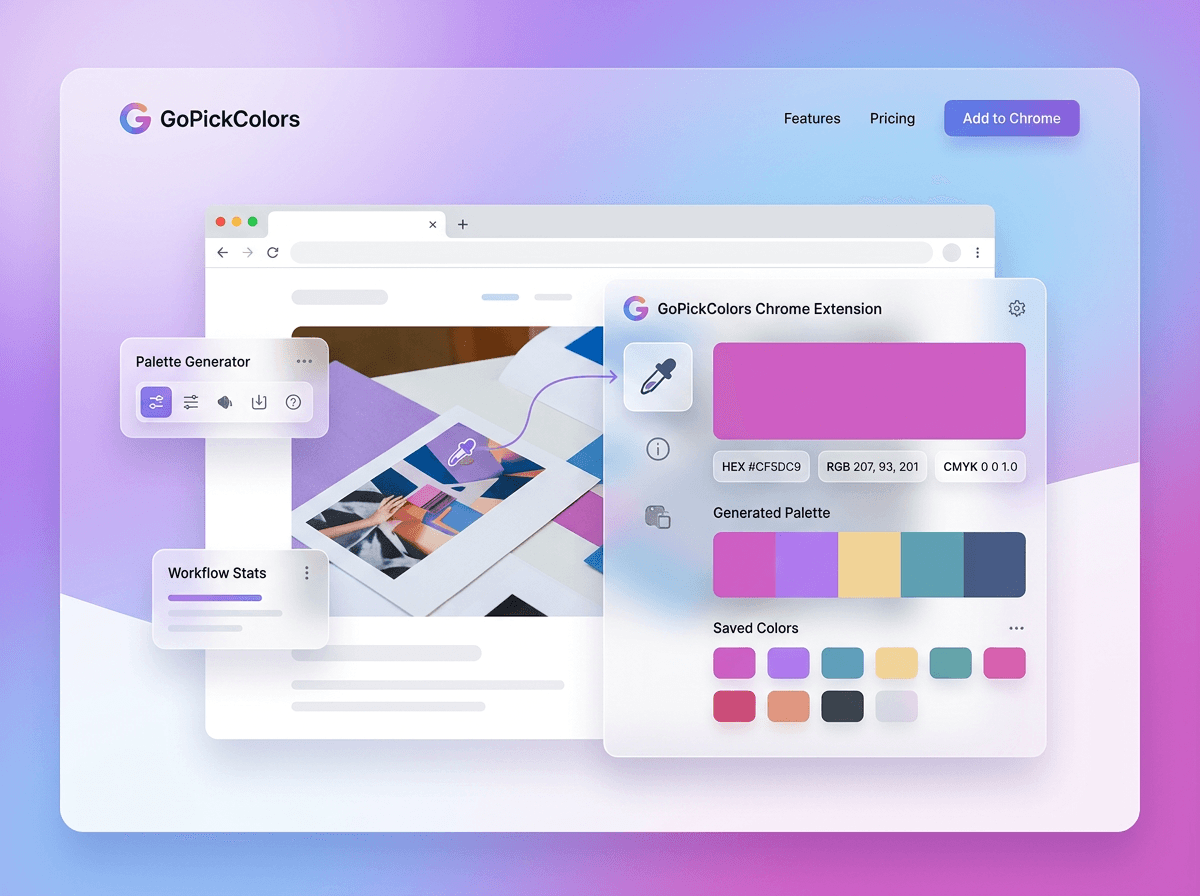
- Capture → Use Go Pick Colors to pick color from webpage elements instantly.
- Copy → Save HEX or RGB values with one click.
- Apply → Paste the color into Figma, Photoshop, Canva, VS Code, or your preferred design software.
- Publish → Launch visually consistent designs faster.
This simple process removes unnecessary steps and keeps your focus on creativity rather than manual color matching.
Why Browser-Based Color Tools Are More Efficient
Traditional color selection methods often involve taking screenshots, opening editing software, zooming into images, and manually copying color values.
Modern browser extensions simplify everything.
A reliable browser color picker works directly inside Chrome, allowing users to identify colors while browsing live webpages. This means fewer interruptions, faster decisions, and a smoother workflow.
Instead of switching between multiple applications, everything happens in one place.
Save Time During Website Research
Research is an important part of every design project.
Instead of writing down approximate colors or recreating them manually, Go Pick Colors lets you save exact color values while browsing.
This allows you to:
- Build inspiration boards faster.
- Compare competitor color palettes.
- Recreate successful design patterns.
- Maintain organized brand references.
- Reduce repetitive design work.
Small improvements like these make a noticeable difference over hundreds of projects.
Better Collaboration Across Creative Teams
Modern projects involve multiple people working together.
- Designers create layouts.
- Developers build interfaces.
- Marketers produce campaigns.
Without accurate color values, inconsistencies quickly appear across different assets.
Go Pick Colors makes collaboration easier by providing standardized HEX and RGB values that everyone can use, reducing unnecessary revisions and communication delays.
Traditional Methods vs Go Pick Colors
Many professionals still rely on outdated workflows.
| Traditional Method | Go Pick Colors |
|---|---|
| Multiple software tools | One Chrome extension |
| Manual color matching | Instant color detection |
| Time-consuming process | One-click workflow |
| Higher chance of mistakes | Accurate color selection |
| Interrupts productivity | Seamless browser experience |
The difference isn’t just convenience, it's efficiency.
More Than Just a Chrome Extension
Go Pick Colors is more than a simple chrome color selector.
It becomes part of your everyday workflow, helping you discover inspiration, build stronger brands, speed up development, and create visually consistent experiences without unnecessary effort.
Whether you’re working on a portfolio website, SaaS dashboard, online store, educational platform, or marketing campaign, accurate color selection plays a key role in delivering professional results.
In the final part, we’ll explore how to choose the best extension for your needs, common mistakes to avoid, frequently asked questions, and why Go Pick Colors is the smart choice for modern web professionals.
The Smart Way to Collect Colors From Any Website
Finding the perfect color inspiration doesn’t have to be a slow or complicated process. Instead of taking screenshots or manually identifying colors, you can instantly collect accurate color codes from any website while browsing. This makes it easier to save ideas, analyze competitor designs, and build visually appealing projects without interrupting your workflow.
With Go Pick Colors, collecting colors becomes quick and effortless. Simply select any element on a webpage to capture its exact HEX or RGB value, then use it in your design, development, or branding projects. It’s a smarter way to gather inspiration and maintain consistent colors across every digital experience.
How to Choose the Best Color Picker Chrome Extension
With many browser extensions available, selecting the right one can be challenging. The ideal tool should be accurate, lightweight, and easy to use while fitting naturally into your daily workflow.
When comparing different options, consider these factors:
- Accurate color detection
- HEX, RGB, and CSS support
- One-click copy functionality
- Fast browser performance
- Beginner-friendly interface
- Regular updates and improvements
- Smooth compatibility with Chrome
- Positive user reviews
A Color Picker Chrome Extension that combines these features will save time and help you work more efficiently on every project.
Conclusion
Choosing the right Color Picker Chrome Extension can make a noticeable difference in your design workflow. From capturing accurate colors to maintaining brand consistency, the right tool helps you work faster and create professional-quality digital experiences with ease.
Go Pick Colors is built to simplify color selection for designers, developers, marketers, and content creators. With instant color detection, one-click HEX and RGB copying, and a lightweight Chrome experience, it helps you save time and improve productivity. Install Go Pick Colors today and make color picking faster, smarter, and more accurate for every project.
Frequently Asked Questions
What is a Color Picker Chrome Extension?
A Color Picker Chrome Extension lets you capture colors directly from any webpage and instantly copy their HEX, RGB, or CSS values.
Who can use Go Pick Colors?
Go Pick Colors is suitable for web designers, developers, digital marketers, content creators, and anyone who works with website colors.
Can I pick colors from any webpage?
Yes. You can quickly capture colors from most websites displayed in your Chrome browser.
Which color formats are supported?
Go Pick Colors supports popular formats like HEX, RGB, and CSS for easy use across design and development tools.